

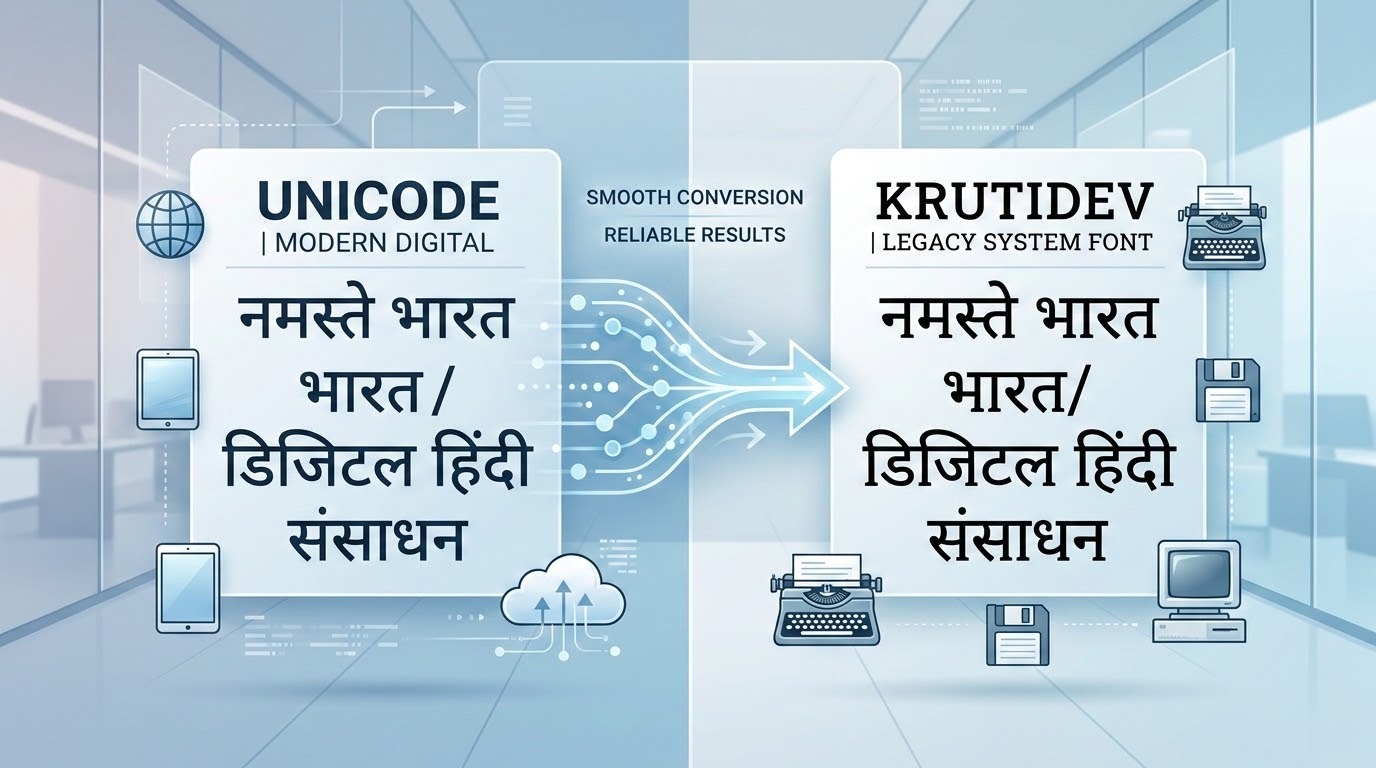

The Conversion Most People Forget Exists
When people talk about Hindi font conversion, they almost always mean converting KrutiDev to Unicode taking legacy font text and making it readable on modern devices and platforms. That direction of conversion gets all the attention, all the tutorials, and all the tools.
But there is an equally important conversion that millions of government typists, clerical staff, exam aspirants, and DTP professionals need every single day and almost nobody talks about it properly.
Unicode to KrutiDev conversion.
If you work in or around India’s government sector, this is not a niche requirement. It is a daily operational reality. State government portals, legacy administrative software, court filing systems, and official examination platforms across Northern India still run on KrutiDev. If your source document is in Unicode as most modern digital Hindi content is you cannot simply paste it into these systems. You need to convert it first.
This guide covers everything: why Unicode to KrutiDev conversion exists, who needs it, when to use it, how it works technically, and how to do it instantly using the right tool.
Chapter 1: Why Does Unicode to KrutiDev Conversion Exist?
To understand why this conversion is necessary, you need to understand the two-speed reality of India’s digital infrastructure.
On one hand, modern India runs on Unicode. Every smartphone, every website, every email client, every modern operating system uses Unicode as its default encoding for Hindi text. When you type Hindi on your phone, send a WhatsApp message in Hindi, or read a Hindi news article online, you are working with Unicode. It is the universal standard one encoding that works everywhere without needing any font installed.
On the other hand, a vast and deeply entrenched layer of India’s government infrastructure still runs on KrutiDev. This is not negligence or backwardness. It is the practical reality of institutional technology lifecycles. Government systems that were built in the early 2000s when KrutiDev was the only viable Hindi typing standard are still actively in use because replacing them requires enormous budget, time, retraining, and political will.
The result is a permanent collision point: modern Unicode content that needs to enter legacy KrutiDev systems.
This collision happens every day in:
- State government offices receiving digitally drafted Hindi documents that must be entered into legacy software
- Court systems where e-filed petitions in Unicode must be reformatted for older case management systems
- Examination preparation centres where practice passages sourced from modern Hindi websites must be converted for KrutiDev typing practice
- DTP studios receiving Unicode text from clients that must be converted for legacy Hindi publishing software
- Government printing presses that still use KrutiDev-based typesetting systems
For every person in one of these situations, Unicode to KrutiDev conversion is not optional it is the only way to do their job.
Chapter 2: Who Needs Unicode to KrutiDev Conversion?
Let us be specific about the professionals and students who need this conversion regularly.
Government Clerks and Administrative Staff
State government offices across Madhya Pradesh, Rajasthan, Uttar Pradesh, Bihar, and Uttarakhand routinely receive Hindi documents drafted in modern Unicode from emails, digital submissions, or typed on smartphones that must then be entered into internal administrative systems running on KrutiDev. Manually retyping these documents is error-prone and time-consuming. Conversion takes seconds and eliminates the risk of transcription errors in official records.
CPCT and Government Exam Aspirants
Candidates preparing for the CPCT (Computer Proficiency Certification Test) and similar state-level typing examinations must practise typing in KrutiDev 010 on the Remington keyboard layout. However, most Hindi practice content available online news articles, sample passages, reading material is published in Unicode. To use this content for KrutiDev typing practice, aspirants need to convert it from Unicode to KrutiDev first. Without a reliable conversion tool, they are limited to a small pool of purpose-made KrutiDev practice texts.
Hindi Coaching Institutes and Teachers
Hindi typing coaching centres frequently source fresh practice passages from current news portals, government websites, and digital publications all of which publish in Unicode. To give students meaningful, contemporary practice material in KrutiDev format, instructors need a fast and accurate Unicode to KrutiDev converter that preserves all matras, conjuncts, and formatting.
Legal Professionals and Court Staff
Courts across Northern India are in a transitional phase some processes have moved to digital Unicode-based e-filing systems, while internal case management and record-keeping systems in many lower courts still use KrutiDev. Legal professionals who draft petitions and documents in Unicode for e-filing sometimes need KrutiDev versions of the same documents for internal filing or for submission to legacy court systems.
DTP and Print Professionals
Desktop publishing studios and government printing presses that handle official publications, gazettes, tender notices, and administrative orders often use legacy Hindi DTP software that requires KrutiDev input. When clients provide content in Unicode — as most clients now do — conversion is the essential first step before any design or print work can begin.
Archival and Documentation Teams
Government departments undertaking digital archiving projects sometimes work in both directions digitising old KrutiDev documents into Unicode, and also maintaining KrutiDev copies for systems that require them. Teams working on these projects need reliable bidirectional conversion that does not introduce errors into official records.
Chapter 3: How Unicode to KrutiDev Conversion Works Technically
Understanding the technical process behind Unicode to KrutiDev conversion helps you appreciate why a good converter produces accurate results — and why a poor one introduces errors that are difficult to spot.
The Core Challenge: Logical Order vs. Visual Order
Unicode stores Devanagari characters in their logical phonetic order — the order in which sounds occur when you speak the word. A vowel matra that modifies a consonant is stored after the consonant it modifies in Unicode, because phonetically it comes after.
KrutiDev, on the other hand, stores characters in the order a typist on a Remington keyboard physically presses the keys which is often different from phonetic order because of how the key mappings were designed to match the old mechanical typewriter’s character arrangement.
A reliable Unicode to KrutiDev converter must:
- Read the Unicode Devanagari code points in the input text
- Identify each character consonant, vowel, matra, half-character, or conjunct
- Determine the correct KrutiDev key sequence that produces the same visual output
- Reorder characters where necessary to match KrutiDev’s storage sequence
- Handle conjunct consonants clusters like क्ष, त्र, ज्ञ, श्र which require specific multi-keystroke sequences in KrutiDev
- Preserve all punctuation, numbers, spaces, and line breaks from the original
Steps 4, 5, and 6 are where most cheap or poorly built converters fail. They handle simple vowels and consonants correctly but produce wrong output for matras in certain positions, missing half-characters, or broken conjuncts. In official government documents, these errors are not cosmetic — they change the meaning of words and can invalidate submissions.
Why You Cannot Just Change the Font in Word
A common misconception is that you can convert Unicode Hindi to KrutiDev by simply selecting all the text in a Word document and changing the font from Mangal to Kruti Dev 010. This does not work.
What Word does when you change the font is apply a different visual style to the same underlying data. The Unicode code points remain unchanged. The KrutiDev font file then tries to display Unicode code points using its ASCII-based glyph mapping, producing a completely wrong result garbled characters, missing letters, incorrect matras, and broken conjuncts.
True conversion requires a dedicated tool that rewrites the underlying character data — not just the visual presentation layer.
Chapter 4: The Right Tool for Unicode to KrutiDev Conversion
For fast, accurate, and private Unicode to KrutiDev conversion, the tool at krutidev-to-unicode.com is the most capable free option available in 2026.
The Unicode to KrutiDev converter on this platform offers a set of features that directly address the real-world needs of government typists and exam aspirants:
Instant Auto-Conversion
Paste your Unicode Hindi text into the input box and the KrutiDev output appears immediately no button to click, no waiting. For professionals converting multiple documents throughout the day, this instant workflow saves significant time.
Full KrutiDev 010 Accuracy
The converter is tested specifically against the KrutiDev 010 character set — the exact variant used in CPCT, MP Vyapam, Rajasthan Patwari, UPSSSC, and most North Indian government typing examinations. Every matra, half-character, and conjunct consonant is handled correctly, including the most complex clusters like क्ष, त्र, ज्ञ, and श्र.
DOCX Import and Export
Upload a Unicode Hindi Word document (.docx) directly and download the converted KrutiDev version with all formatting preserved. This is particularly valuable for coaching centres converting batches of practice passages, and for government staff converting multi-page official documents.
100% Private Processing
All conversion happens entirely within your browser using JavaScript. Your text never leaves your device and is never sent to any server. For government staff handling sensitive administrative content, legal professionals working with confidential case documents, and exam centres managing proprietary practice material, this local processing guarantee is essential.
Bidirectional on One Platform
The same platform also handles KrutiDev to Unicode conversion, making it the only tool you need for complete font workflow management regardless of which direction a specific task requires.
Real-Time Word and Character Counter
The built-in live counter tracks your word and character count as you work an essential feature for CPCT aspirants who need to monitor their output volume during practice sessions.
Chapter 5: Step-by-Step — How to Convert Unicode to KrutiDev
The conversion process is straightforward and takes under 30 seconds for most documents.
Step 1: Open krutidev-to-unicode.com in any modern browser on your phone or computer.
Step 2: Scroll to the conversion tool and select the Unicode → KrutiDev tab.
Step 3: Paste your Unicode Hindi text into the input box on the left.
Step 4: The KrutiDev output appears instantly in the right-hand box no button required.
Step 5: Click Copy to copy the KrutiDev text directly, or click Export Word to download a .docx file with the converted text.
Step 6: Paste the KrutiDev output into your target system government software, DTP application, exam practice document, or typing trainer.
For document conversion, use the Import button to upload a .docx file directly instead of manually copying and pasting text.
Chapter 6: Practical Use Cases — Real Scenarios Where This Conversion Saves Time
Scenario 1: CPCT Aspirant Using News Articles for Practice
A candidate preparing for CPCT finds a well-written Hindi news article online that would make an excellent typing practice passage. The article is in Unicode. They paste it into the Unicode to KrutiDev converter, download the KrutiDev .docx output, and have a fresh, contemporary practice passage ready in under a minute. This gives them access to an unlimited pool of real-world practice material rather than being limited to purpose-made exercise texts.
Scenario 2: Government Clerk Entering a Digitally Received Document
A district office clerk receives an official order drafted in Unicode Hindi via email. The office’s internal record management system only accepts KrutiDev input. Rather than retyping the entire document risking errors in official records the clerk converts it in seconds and copies the output directly into the legacy system.
Scenario 3: Coaching Institute Creating Practice Material
A Hindi typing institute wants to create a set of 20 practice passages based on current government notifications published on official portals. All the notifications are in Unicode. The instructor converts each passage to KrutiDev in seconds, formats them into a practice booklet, and distributes them to students all without any manual retyping.
Scenario 4: DTP Studio Receiving Client Content
A print studio handling a government department’s official publication receives the content draft as a modern Unicode Word document. Their DTP software requires KrutiDev input. The studio converts the document using the .docx import feature, receives a KrutiDev .docx output with all formatting intact, and proceeds directly to the layout stage without any retyping or reformatting.
Chapter 7: Quality Checklist — Verifying Your Converted Output
After converting any official document from Unicode to KrutiDev, always verify the output before use. Here is a practical checklist:
Check conjunct consonants. Words containing क्ष, त्र, ज्ञ, and श्र are the most likely to contain conversion errors in poor-quality tools. Scan your converted text specifically for these clusters.
Check vowel matras on half-characters. Matras applied to half-consonants (like ि, ी applied to half forms) can sometimes be misplaced by converters that do not handle reordering correctly.
Check numerals and punctuation. Numbers, full stops (।), commas, quotation marks, and brackets should all be preserved exactly. Verify a sample of each.
Check the beginning and end of each line. Line-break handling is a common source of errors in document conversion. Scan the first and last word of each line in the converted output.
Read a sample paragraph aloud. The most reliable final check is reading a section of the converted text against the original Unicode source. If the meaning and words match, the conversion is accurate.
Make Unicode to KrutiDev Part of Your Professional Toolkit
The era when a Hindi typist only needed to know one direction of font conversion is over. Modern Hindi professionals operate in a hybrid environment Unicode for the digital world, KrutiDev for legacy government systems and the ability to move efficiently and accurately between the two is a genuine professional skill.
For CPCT aspirants, it means unlimited access to fresh practice material. For government clerks, it means faster document processing with fewer errors. For legal professionals, it means seamless compatibility across old and new filing systems. For DTP studios, it means taking any client content and making it immediately usable.


