

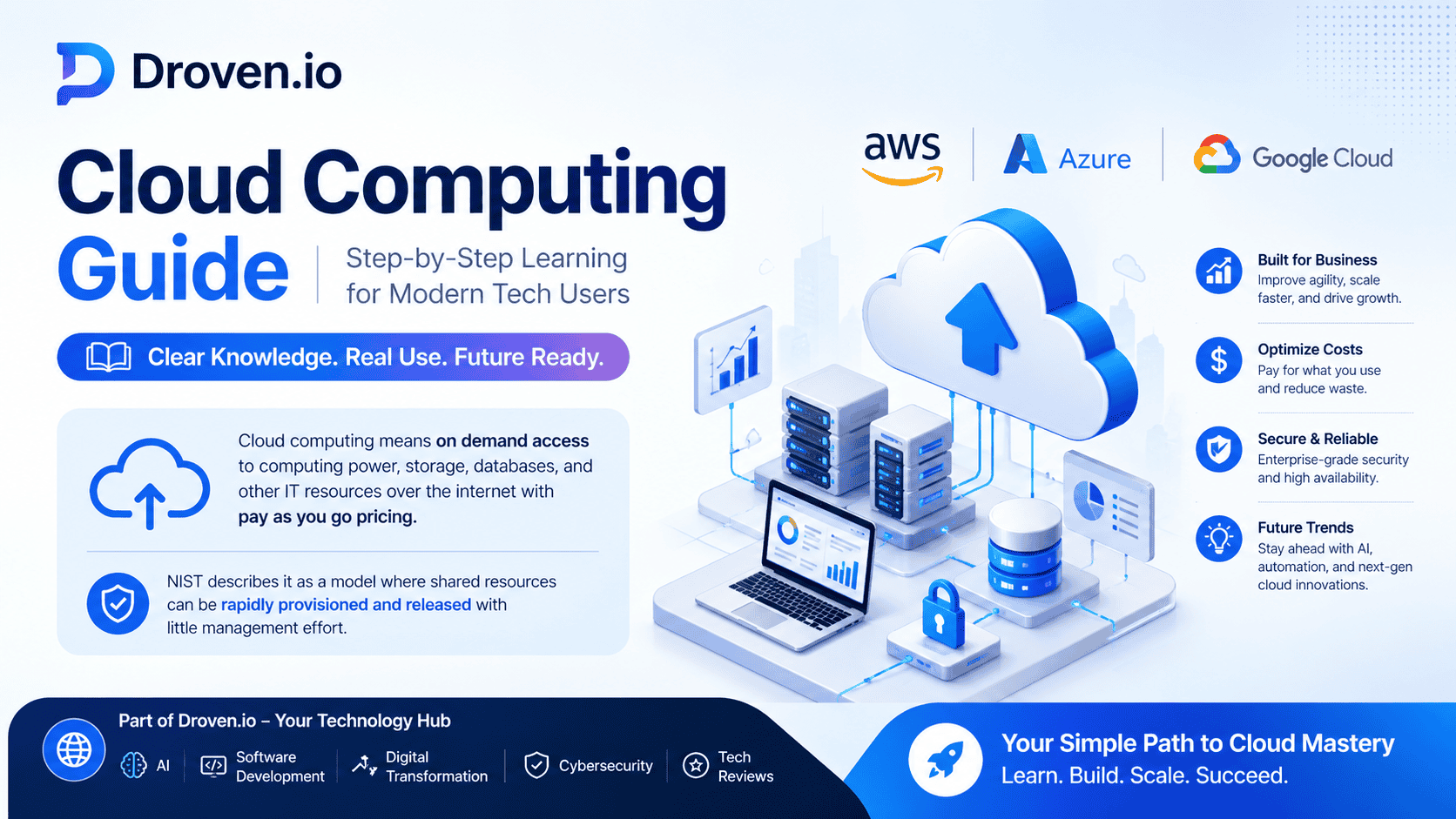

Droven.io keeps a cloud computing section that covers AWS, Azure, and Google Cloud, and its recent cloud article focuses on business use, scale, cost, and future trends. The guide works as a simple learning path for modern tech users who want clear cloud knowledge without heavy jargon.
Cloud computing means on demand access to computing power, storage, databases, and other IT resources over the internet with pay as you go pricing. NIST describes it as a model where shared resources can be rapidly provisioned and released with little management effort.
What the Droven.io Guide Covers
Droven.io places cloud computing inside a wider technology site that also covers AI, software development, digital transformation, cybersecurity, and tech reviews. That matters because cloud learning often connects with app building, automation, data work, and system security.
The cloud section is useful for readers who want a clean entry point into modern infrastructure. It gives a broad view of cloud tools and the main providers used in real business settings.
For readers who want to stay updated on the latest AI trends and innovations, the Droven io Artificial Intelligence News section provides clear and regularly updated insights.
Cloud Computing Basics
Cloud computing is not one single product. It is a delivery model. Instead of buying and maintaining physical servers, users access services from a provider when needed. AWS, Microsoft Azure, and Google Cloud all describe cloud as a flexible way to use computing resources on demand.
The most important idea is shared access to resources. You use what you need, when you need it, and you can scale up or down based on demand. That is why cloud computing fits modern businesses, developers, and students so well.
Cloud Service Models
NIST defines three major service models for cloud computing. These models help readers understand how much control the user keeps and how much the provider manages. AWS and Azure training materials use the same basic framework when explaining cloud fundamentals.
| Service model | Simple meaning | Why it matters |
|---|---|---|
| IaaS | Rent servers, storage, and networking from the cloud | Gives strong control for custom systems and testing. |
| PaaS | Use a managed platform to build and deploy apps | Saves time because the provider handles more of the setup. |
| SaaS | Use software online without managing the platform | Works well for email, collaboration, and common business tools. |
This table is one of the easiest ways to understand cloud learning. A clear reading of these models makes every later topic easier, including security, cost, and deployment choices.
Cloud Deployment Models
NIST also lists four deployment models for cloud computing. These are public cloud, private cloud, hybrid cloud, and community cloud. In everyday learning, public, private, and hybrid are the most common models people compare first.
Public cloud usually means shared provider infrastructure that many customers use. Private cloud is built for one organization. Hybrid cloud combines both, which helps teams keep some systems private while still using public cloud scale.
Step 1 Learn the Core Terms
A good cloud learning path starts with the basic language. Learn what compute, storage, database, region, and availability zone mean. Microsoft and Google both provide beginner learning paths that start with these simple ideas before moving into service choices and setup.
This first step is important because cloud guides become much easier once the terms are clear. Without this base, most cloud topics feel harder than they really are.
Step 2 Learn the Service Models
After the basic terms, move to IaaS, PaaS, and SaaS. These models explain how cloud work is split between the provider and the customer. That split changes how much setup, control, and maintenance the user needs.
A useful habit is to compare the same app idea across all three models. For example, think about what changes when you host a website on rented infrastructure, a managed app platform, or an online software service. That kind of comparison builds real understanding fast.
Step 3 Compare the Main Cloud Platforms
Droven.io points readers toward AWS, Azure, and Google Cloud, which are the three biggest platforms most learners study first. AWS emphasizes on demand delivery and pay as you go pricing. Azure highlights its broad set of cloud services and beginner learning resources. Google Cloud focuses on computing services, data tools, and guided setup paths.
Each platform has the same core idea, but the menus, tools, and learning pages feel different. That is why beginners should focus on concepts first and platform details second.
Step 4 Use Hands On Learning
Cloud skills grow faster when readers practice, not just read. Azure offers self paced modules and hands on exercises. Google Cloud also provides setup flows and starter resources for different technical roles. AWS gives direct access to cloud services with pay as you go usage.
A simple practice path is enough for most beginners. Create an account, open the console, view storage, look at a virtual machine page, and explore cost and security menus. That small amount of repetition teaches structure very quickly.
If you plan to build or test cloud applications, the Droven io Best Tech Tools for Developers guide highlights useful tools that support development, deployment, and performance monitoring.
Step 5 Learn Cloud Security
Security is one of the most important cloud topics. AWS says security and compliance are shared responsibilities between the provider and the customer. Azure and Google Cloud describe the same basic model. The provider secures the infrastructure, while the customer handles data, access, and configuration.
That is why cloud learning must include identity, permissions, and data protection. A cloud account can be powerful, but weak access control can create serious risk even when the provider side is secure.
Step 6 Learn Cloud Cost Control
Cloud pricing often follows a pay as you go model. AWS describes this clearly, and its cost management tools are designed to help users understand, control, and optimize usage. Microsoft and Google also provide cost management tools that support monitoring and optimization.
This makes cost discipline a basic cloud skill. Users should check spending reports, set budgets, watch unused resources, and review service choices often. Cloud can stay efficient only when usage is managed with care.
Step 7 Connect Cloud to Real Business Use
Droven.io’s cloud content also fits real business needs. Cloud services help teams scale faster, manage remote work, support application hosting, and handle data more flexibly. AWS, Microsoft, and Google all frame cloud as a practical business tool, not just a technical one.
This is why cloud learning matters for developers, analysts, IT staff, and business users. The same cloud tools can support simple websites, internal apps, storage systems, and larger enterprise workloads.
Common Mistakes to Avoid
Many beginners focus on service names before understanding the basics. That usually slows learning. It is better to start with definitions, then service models, then platform features, then security, and finally cost control.
Another common mistake is treating cloud as fully automatic. Cloud still needs planning, permissions, budget checks, and platform knowledge. The provider handles the infrastructure, but the user still manages a large part of the workload.
Best Learning Order for Modern Tech Users
- Start with the meaning of cloud computing and the NIST model.
- Learn IaaS, PaaS, and SaaS.
- Compare public, private, hybrid, and community deployment models.
- Read basic platform pages for AWS, Azure, and Google Cloud.
- Practice with beginner labs or guided modules.
- Study shared responsibility, access control, and data safety.
- Track cost, usage, and optimization tools from day one.
This order matches how good beginner cloud training usually works. It moves from simple ideas to real usage without skipping the parts that matter most.


