


Keine Karriere-Subdomain Gefunden means the system cannot find a working career subdomain like careers.example.com. It usually happens when the subdomain is missing, broken, or not configured correctly in DNS or hosting.
What Keine Karriere-Subdomain Gefunden Means
This message appears when a website or tool looks for a careers section on a separate subdomain but cannot locate it.
A career subdomain is a dedicated part of a website used for job listings.
Common examples include:
| Type | Example URL | Purpose |
|---|---|---|
| Career subdomain | careers.company.com | Job listings |
| Career subdomain | jobs.company.com | Hiring portal |
| Subfolder | company.com/careers | Alternative setup |
If the system checks for a subdomain and does not find it, the error appears.
This does not always mean jobs are unavailable. It only means the expected subdomain is not working.
How Career Subdomains Work
A subdomain is a separate section connected to the main domain.
It depends on three core systems:
| Layer | Function |
|---|---|
| DNS | Connects domain to server |
| Hosting | Serves website content |
| SSL | Secures the connection |
If any of these fail, the subdomain stops working.
Main Causes of Keine Karriere-Subdomain Gefunden
Missing DNS Record
This is the most common issue.
If no DNS record exists, the subdomain cannot load.
| Record Type | Role |
|---|---|
| A Record | Links domain to IP address |
| CNAME | Links domain to another domain |
Without these records, the system cannot locate the server.
Incorrect DNS Configuration
The record may exist but point to the wrong destination.
This leads to:
- Broken pages
- Wrong website loading
- Server timeout
Even a small typo can break the connection.
Server or Hosting Misconfiguration
DNS may work, but the server may not accept the request.
Common problems include:
- Subdomain not added in hosting
- Wrong server settings
- Missing virtual host configuration
This prevents the website from responding correctly.
Missing or Invalid SSL Certificate
Modern browsers require secure connections.
If SSL is not set up:
- Users see security warnings
- Tools fail to verify the page
- Access may be blocked
Certificates must include the subdomain.
Website Migration Issues
Many errors appear after redesign or migration.
Typical mistakes:
- Subdomain not recreated
- Old URLs not redirected
- Hosting changed without updating DNS
This breaks existing career links.
External Hiring Platform Errors
Companies often use external job systems.
Issues occur when:
- Domain is not connected to the platform
- SSL is missing
- Platform setup is incomplete
The platform works, but the subdomain does not.
Missing Redirects
If a company moves from a subdomain to a subfolder, old links must redirect.
Without redirects:
- Users hit dead pages
- Search engines lose trust
- Traffic drops
Technical Breakdown of the Error
The error follows a simple chain of failure:
- Browser requests careers subdomain
- DNS lookup happens
- Server connection attempt
- SSL validation
- Content delivery
If any step fails, the system shows the error.
Differences Between Related Errors
| Error Type | Meaning |
|---|---|
| 404 Not Found | Page missing |
| 403 Forbidden | Access denied |
| Keine Karriere-Subdomain Gefunden | Subdomain missing or broken |
This error is structural, not just a missing page.
SEO Impact of the Error
This issue affects search performance directly.
Crawl Issues
Search engines cannot access the career page.
This leads to:
- Missing indexed pages
- Reduced visibility
- Lost organic traffic
Broken Links
Internal and external links fail.
This causes:
- Poor user experience
- Higher bounce rates
- Lower rankings
Loss of Trust Signals
Search engines expect stable structure.
Broken subdomains reduce:
- Domain credibility
- Site authority
- Ranking consistency
Impact on Hiring Traffic
Career pages attract high-intent users.
When access fails:
- Applications drop
- Conversion rates decrease
- Brand trust weakens
For better structuring of hiring data, understanding Business Vertical Classification Categories helps organize roles based on industry and function.
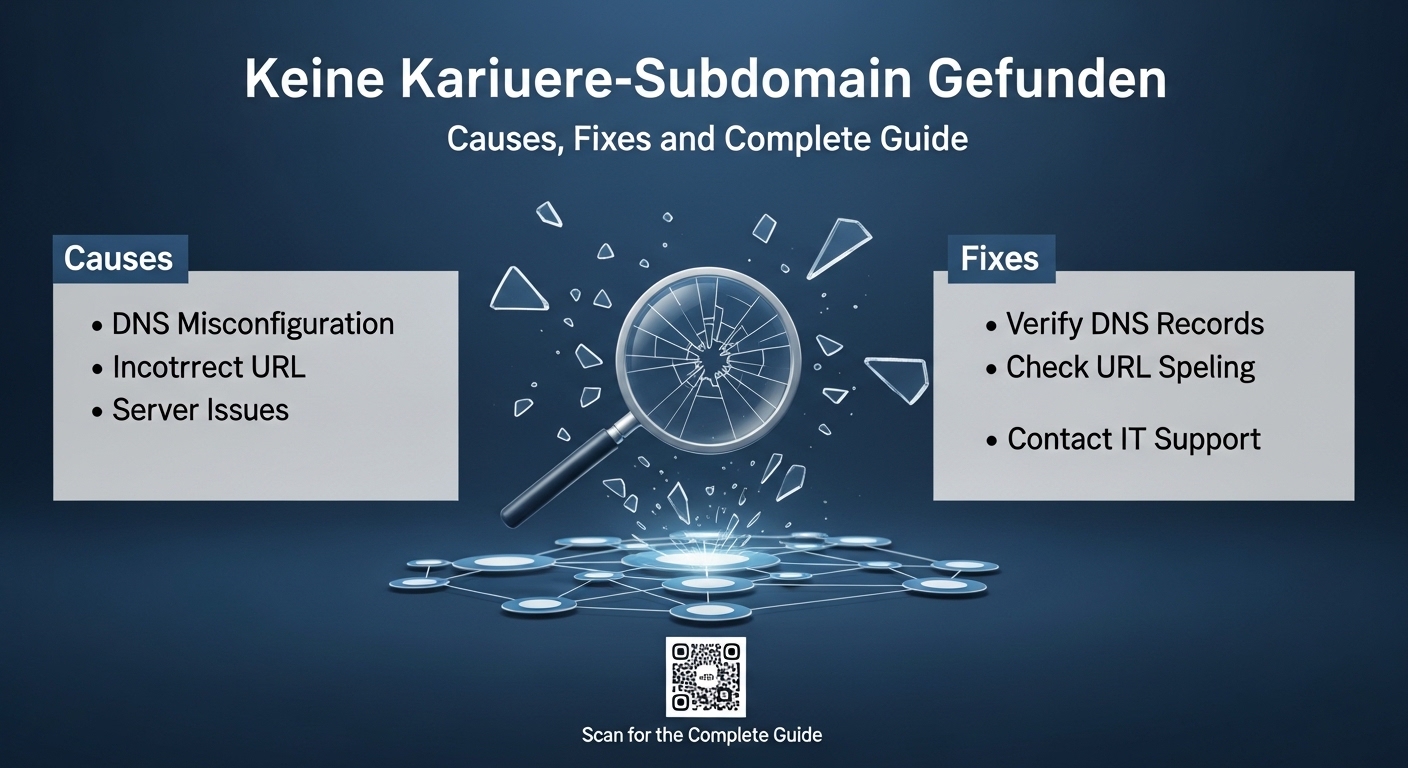
How to Fix Keine Karriere-Subdomain Gefunden
Step 1: Check DNS Records
Verify if the subdomain exists.
Actions:
- Open DNS manager
- Check A or CNAME record
- Confirm correct destination
If missing, create a new record.
Step 2: Verify Hosting Setup
Ensure the server accepts the subdomain.
Checklist:
- Add subdomain in hosting panel
- Configure server settings
- Set correct document root
Step 3: Install SSL Certificate
Secure the subdomain.
Steps:
- Issue SSL certificate
- Include subdomain in certificate
- enable HTTPS
This removes browser warnings.
Step 4: Test the Subdomain
Use tools to verify:
- DNS resolution
- Page loading
- SSL validity
Fix any detected errors.
Step 5: Add Redirects
If the career page moved:
- Redirect old subdomain to new URL
- Use 301 permanent redirect
Example:
| Old URL | New URL |
|---|---|
| careers.company.com | company.com/careers |
This keeps traffic and SEO value.
Step 6: Connect External Platforms Properly
If using ATS platforms:
- Map domain correctly
- Verify ownership
- enable SSL
Ensure full integration.
Prevention Checklist
Use this checklist to avoid future errors:
| Task | Status |
|---|---|
| DNS records created | Required |
| Hosting configured | Required |
| SSL active | Required |
| Redirects set | Required |
| Monitoring enabled | Recommended |
Regular checks prevent downtime.
Best Structure for Career Pages
Choose a stable setup.
Option 1: Subdomain
Example: careers.company.com
Best for:
- Large companies
- External platforms
- Separate infrastructure
Option 2: Subfolder
Example: company.com/careers
Best for:
- Simple websites
- Better SEO control
- Easy maintenance
Both are valid if configured correctly.
Common Mistakes to Avoid
- Creating subdomain without DNS setup
- Forgetting SSL installation
- Ignoring redirects after migration
- Using wrong CNAME target
- Not testing after deployment
Each mistake can trigger the error.
Applying Brand Name Normalization Rules ensures consistency across job listings, domains, and career pages, which improves search visibility and user trust.
Quick Fix Summary Table
| Problem | Solution |
|---|---|
| Subdomain not found | Add DNS record |
| Wrong DNS target | Correct record |
| Server not responding | Configure hosting |
| SSL error | Install certificate |
| Old URL broken | Add redirect |
When to Use a Subdomain vs Subfolder
| Factor | Subdomain | Subfolder |
|---|---|---|
| Setup complexity | High | Low |
| SEO control | Medium | High |
| Flexibility | High | Medium |
| Maintenance | Medium | Low |
Choose based on business needs.
Monitoring and Maintenance
Set up regular monitoring.
Recommended actions:
- Use uptime monitoring tools
- Check DNS monthly
- Renew SSL certificates on time
- Audit links regularly
This ensures long-term stability.
Key Technical Requirements
For a working career subdomain, all must be correct:
- DNS record exists
- Server responds correctly
- SSL certificate is valid
- Redirects are configured
- Platform integration works
If any one fails, the error appears.


