

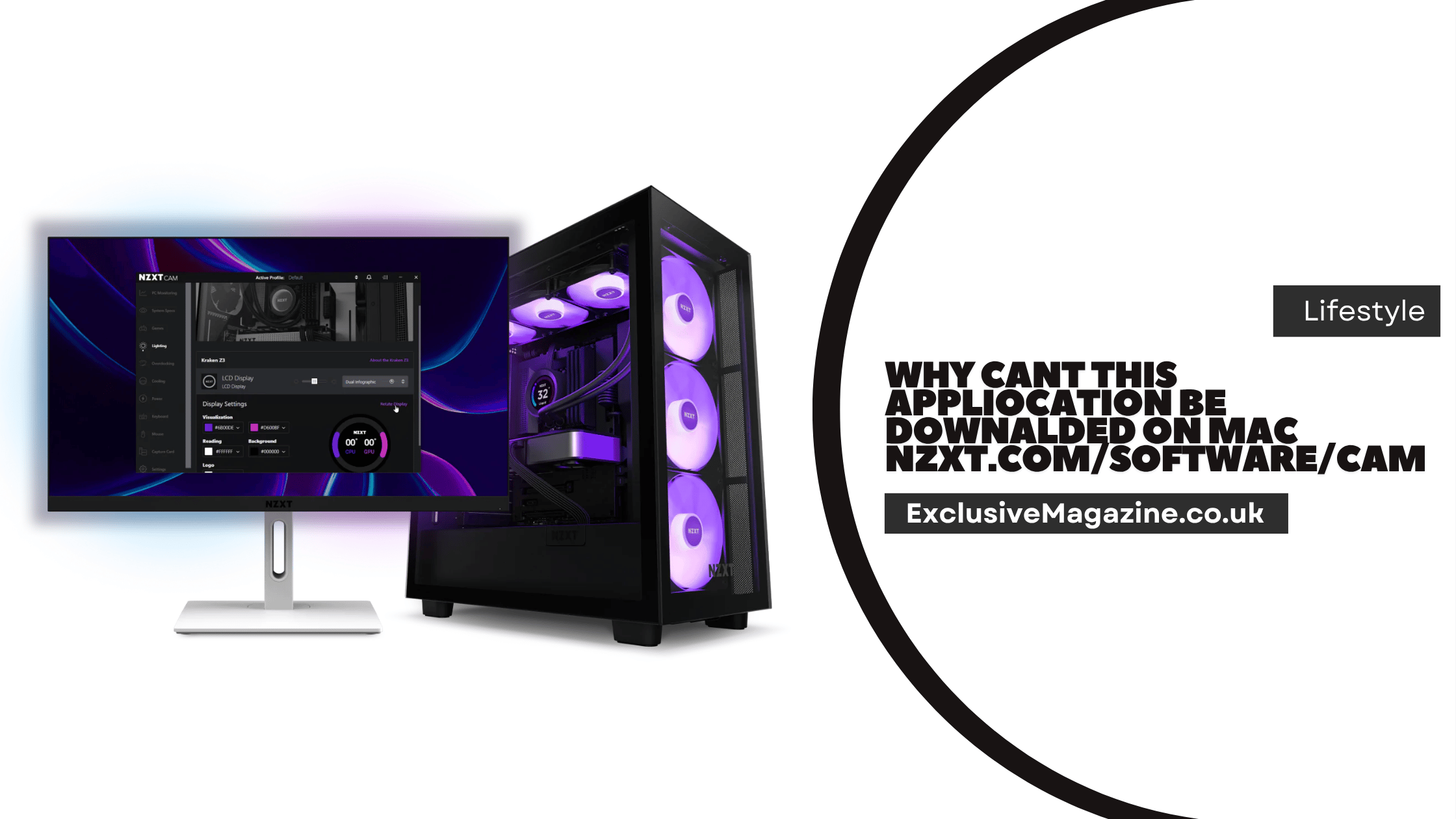

NZXT CAM does not download on Mac because NZXT only supports it on Windows. The official CAM page says the app monitors any Windows PC, and NZXT support says there are no plans to bring CAM to Mac OS.
Why NZXT CAM Does Not Download on Mac
The main reason is simple. NZXT CAM is built for Windows 10 and newer, not macOS. NZXT says the current version of CAM, V4, was designed from the ground up for Windows 10, and the company does not plan to release a Mac version.
That means the problem is not always a bad link, a broken browser, or a failed install. In many cases, the Mac is doing the right thing by refusing a file that is not made for its system. NZXT’s own product page describes CAM as a Windows app, and the support page places CAM under Windows-based software downloads.
If you want to understand software compatibility issues in more detail, you can read about Software Technolotal for deeper technical insights on how software systems behave across different operating systems and environments.
What the Official NZXT Support Says
NZXT’s FAQ is the clearest source here. It states that there are no plans to bring CAM to Linux or Mac OS. It also says CAM V4 is built for Windows 10 in mind. That is the key fact Mac users need to know before they spend time trying different fixes.
NZXT also says that third-party alternatives exist for some Linux use cases, but the company will not support those tools, and issues caused by them are not covered by the product warranty. That matters because many Mac users look for unofficial workarounds when the official app is not available.
What Mac Users Usually See
A Mac user may see one of three situations. The first is that the download page does not offer a usable Mac installer. The second is that the file downloads, but macOS will not open it. The third is that the app is not available at all on the page because the software is meant for Windows only. NZXT’s page for CAM and its support FAQ both point to Windows support, so any of these results can happen on a Mac.
If a Mac shows a security warning for a downloaded app, that warning is a normal macOS protection feature. Apple explains that macOS may block apps from unidentified developers, apps that are not notarized, or apps that are not downloaded from the App Store. Apple also warns that running software that has not been signed and notarized can expose the Mac to security risks.
Common Reasons the Download Fails
The most common reason is platform mismatch. The file or installer is made for Windows, so macOS cannot use it. That is the usual explanation when a Mac user tries to get NZXT CAM from the official NZXT site.
Another reason is macOS security rules. Apple uses Gatekeeper and other checks to block apps that are not trusted, not notarized, or not allowed by the current security settings. This can happen with many different apps, but it does not change the fact that CAM itself is not offered for Mac by NZXT.
A third reason is simple expectation mismatch. Some users assume every hardware brand has a Mac version of its control software. NZXT does not, at least for CAM. The official support page is clear on that point.
Some advanced users also explore performance control tools like F30/B48 Stage 3 Tuning Software, which shows how specialized software is often designed for specific platforms and hardware systems.
How to Check the Problem the Right Way
Start by checking the official NZXT CAM page. It says CAM is a free PC monitoring app that runs on Windows PCs. It also says the app is free, requires no account, and works with NZXT hardware on Windows. If you are on a Mac and the page does not offer a Mac download, that is expected, not a fault in your browser.
Next, check NZXT Support. The Downloads section lists NZXT CAM under software resources, but the CAM FAQ still states that Mac OS is not supported. That combination tells the full story. The software exists, but it is not made for macOS.
If you see a macOS security alert for another app, Apple recommends using caution. Apple says you can open an app only if you trust the source and only after checking Privacy & Security settings. That advice applies to legitimate Mac apps, not to forcing a Windows-only program onto macOS.
What to Do on a Mac
The first step is to stop trying to install the Windows version of CAM on macOS. NZXT does not support CAM on Mac, so repeated install attempts will not solve the real issue. The support documentation gives no Mac download path because the software is not offered for that platform.
The second step is to check whether your NZXT hardware can work without CAM. For some devices, basic use is available without the software. NZXT says the Lift mouse works as a standard mouse on any operating system, but features like profiles, macros, keybind changes, and RGB control require CAM, which is only available for Windows 10 and newer.
NZXT gives a similar answer for the Function Keyboard. It works out of the box without CAM, but macros, RGB customization, key remapping, and firmware updates are limited without the software. The keyboard also supports onboard profile storage, so some settings saved in CAM can travel with the device to other PCs.
The third step is to decide whether the hardware is still useful on Mac in its basic mode. For keyboards and mice, the answer is often yes. For advanced controls, the answer is often no unless you use a Windows PC. That is the practical limit set by the official software support.
Safe Fixes for Mac Security Messages
If the issue is a macOS security warning for another app, Apple says you can go to System Settings, then Privacy & Security, and use Open Anyway only when you are certain the app is from a trustworthy source. Apple also says macOS may block apps that are damaged, revoked, or not notarized.
This does not make NZXT CAM available on Mac. It only explains how macOS handles trusted apps from the web. Since NZXT says CAM is Windows-only, a security override is not the correct solution for CAM itself.
When CAM Features Matter Most
CAM is most important when you need NZXT-specific control. NZXT says CAM can handle fan control on compatible NZXT fan controllers, RGB control on compatible hardware, Kraken LCD setup, and web integrations for supported devices. The official page also says CAM provides real-time monitoring for CPU, GPU, memory, and storage on Windows PCs.
That means the missing Mac version affects more than one feature. It affects monitoring, lighting control, fan control, and some display features on supported NZXT hardware. If those functions are important, you will need access to a Windows system with CAM installed.
Best Answer for Mac Users
The best answer is that NZXT CAM is not downloadable for Mac because NZXT does not support Mac OS for CAM. The official software is a Windows product, and NZXT support says there are no plans to move it to Mac.
For Mac users, the useful path is to confirm whether the hardware works in standard mode without CAM, then use a Windows PC for advanced NZXT control when needed. That is the workflow supported by NZXT’s own documentation.


