


KLR Login Service 137 is part of Karnataka’s land records access flow and is linked with the state’s Bhoomi and Mojini V3 services. It is used for online land record tasks such as RTC viewing, mutation checks, and sketch or application tracking on the official system.
What KLR Login Service 137 Means
Karnataka’s land records system, known as Bhoomi, is the state’s official land records management setup. The government says it digitized manual RTC records and now handles ownership changes through mutation in the land records database. The official land records portal is landrecords.karnataka.gov.in.
Mojini V3 is the online land survey and record platform connected to Karnataka’s land records work. The official Karnataka app listing says it supports application status, allotment status, and sketch related services. That is why many users connect KLR login service 137 with Mojini V3 and Bhoomi services in one place.
Where Users Use This Login
Users normally use this login path to check land record details, view RTC related information, track mutation status, open survey documents, or access sketch related services. Bhoomi services on the portal include RTC, mutation, revenue maps, and land record viewing. Mojini V3 also supports application status and sketch related work.
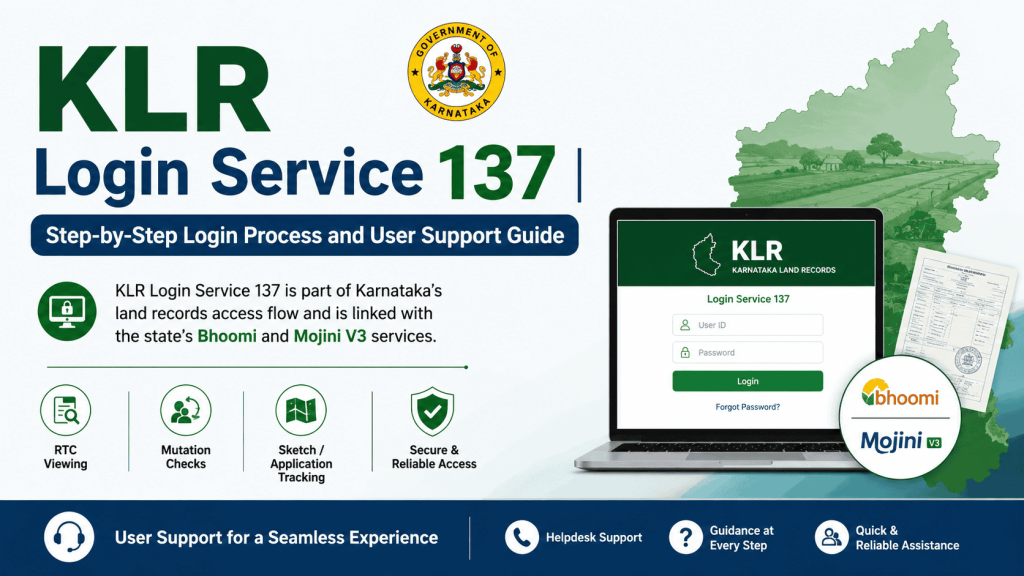
Official Portal Access
The official Karnataka land records website is landrecords.karnataka.gov.in. The state’s land records page also shows that Bhoomi is the land records management system used for digitized RTCs and mutation related updates.
If the page opens slowly or a service does not load, the issue may be temporary or related to the specific service page. In such cases, using the official portal again later is safer than relying on random third party links. The official page also provides Help and Contact Us links.
Step-by-Step Login Process
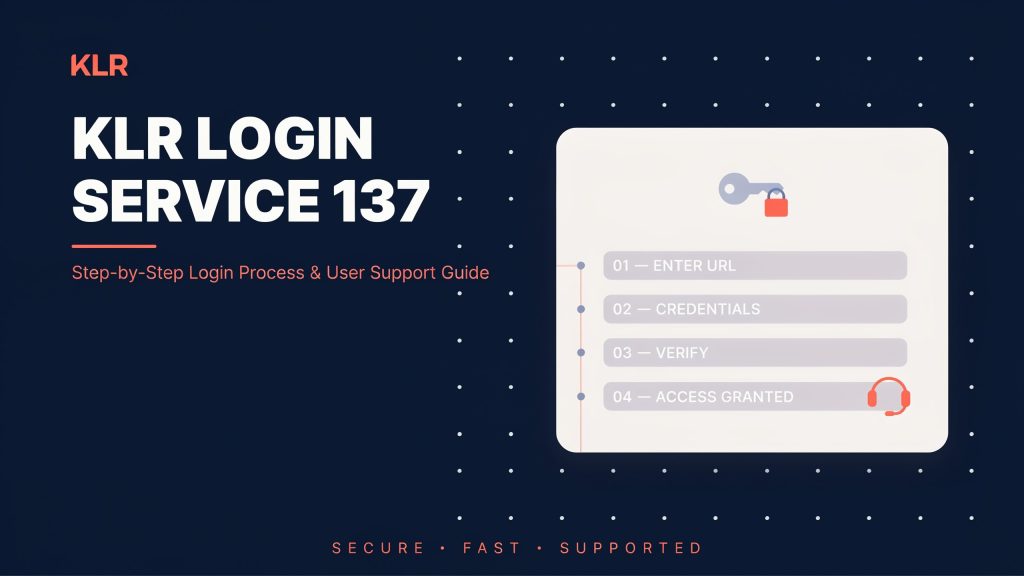
1. Open the official land records portal
Go to the Karnataka land records portal at landrecords.karnataka.gov.in. This is the official government entry point for Bhoomi related land record services.
2. Choose the correct service
Select the land records or Bhoomi service you need. The portal supports RTC services, mutation status, revenue maps, and other survey related services. For Mojini work, use the Mojini V3 option where the portal directs you.
3. Enter your login details
Depending on the service, the portal may ask for a user ID and password, or it may ask for mobile number, captcha, and OTP. For certified RTC download, the Bhoomi guide shows that users first register for i-Wallet services and then log in with User ID, password, and captcha. For land record image retrieval, the guide shows mobile number and OTP based login.
4. Complete OTP or captcha verification
Enter the OTP sent to your registered mobile number, or fill in the captcha code if the portal asks for it. These checks help confirm identity before the system opens the record or document page.
5. Open the required record page
After login, choose the exact service page you need. That may be RTC, mutation status, MR extract, revenue map, survey document view, or a Mojini application page. Bhoomi and Mojini both provide online access to these services.
6. Search by district, taluk, village, and survey number
Most Bhoomi and land record pages ask for location details such as district, taluk, hobli, village, and survey number. Some pages also ask for registration number, date, owner name, or mobile number, depending on the service type.
7. View, download, or print the result
Once the search is complete, the portal shows the record on screen. In some services, users can preview, print, or download the document. Bhoomi also supports certified RTC download through the i-Wallet service flow.
Sellers who manage multiple online marketplaces may also find our detailed Meesho Seller Login guide useful for accessing their seller dashboard, tracking orders, and managing product listings efficiently.
Common User Problems
Wrong login details
If the user ID, password, mobile number, or OTP is wrong, the login will fail. In that case, check the typing carefully and confirm that the correct registered mobile number is being used. The Bhoomi login flow depends on the exact service, so the same account details may not work on every page.
Captcha not accepted
Captcha errors are common on government portals. Refresh the page and retype the captcha slowly. Use the official portal only, because copied or fake pages often cause repeated login errors.
OTP delay
OTP delays can happen when the mobile network is weak or when the portal is busy. Wait a short time and request a fresh OTP only once the old one expires. This is especially important when using mobile based login for land record document viewing.
Page not loading
Sometimes the service page may not load because of traffic, maintenance, or browser issues. Try a modern browser and return to the official portal later. The official portal and Karnataka government pages are the safest starting point for access.
User Support Options
The Karnataka land records page lists Help and Contact Us options on the official site. It also shows that Bhoomi back offices are set up at taluk level, which gives users a clear support path for land record related work.
For document related help, users can also reach local LR kiosk centers and application kiosks where available. The official land records page says these kiosks are part of the Bhoomi setup, and they are located in taluk office areas.
For more complex land record issues, users may need support at the taluk office or the relevant revenue office. Recent government reporting also shows that Karnataka has expanded digital land record handling through the Bhu Suraksha system, with help available at nadakacheris and taluk offices for people who cannot complete the online process on their own.
If you sell products on ecommerce platforms, you can also read our Shopee Seller Center Login guide to learn how to securely access your seller account, monitor sales performance, and handle customer orders.
Documents and Services Users Can Expect
Bhoomi and Karnataka land records services cover RTC, mutation related records, survey documents, revenue maps, and land conversion related services. ClearTax’s Bhoomi guide shows RTC viewing by survey number, owner name, or registration details, and it also shows mutation register viewing and revenue map access.
Mojini V3 is used for application status, allotment status, and sketch related records. Official Karnataka app information confirms these service types, and other public guidance shows that sketch viewing is part of the Mojini flow.
Safe Login Practice
Always use the official Karnataka land records portal or the official Mojini page. Do not use unknown websites that copy the service name, because land record data and login details are sensitive. The official government land records page and official Karnataka app listing are the most reliable sources for access.
Use only your registered mobile number and verified credentials. If you are downloading a certified RTC or accessing document pages, follow the portal’s own login path instead of sharing details with third party sites. Bhoomi’s official login flow includes account registration, OTP use, and service specific access steps.
When the Login Still Fails
If the portal still does not open after correct login details, use the official help links on the land records website or visit the local LR kiosk or taluk office. Bhoomi is a government land records system with support available through its kiosk network and local office setup.
If the issue is related to Mojini application status or sketch access, check the Mojini V3 service again through the official Karnataka app or official portal route. Mojini V3 is built for application status, allotment status, and sketch related functions, so service selection matters.
Login Checklist
Use the official portal, choose the correct service, enter the right details, complete captcha or OTP, and then open the record page. For RTC and mutation work, the Bhoomi portal provides search options by survey number, owner name, or registration number and date.
For Mojini related work, keep the application number, survey number, or mobile number ready because the app and portal use these fields for status and allotment checks.


