

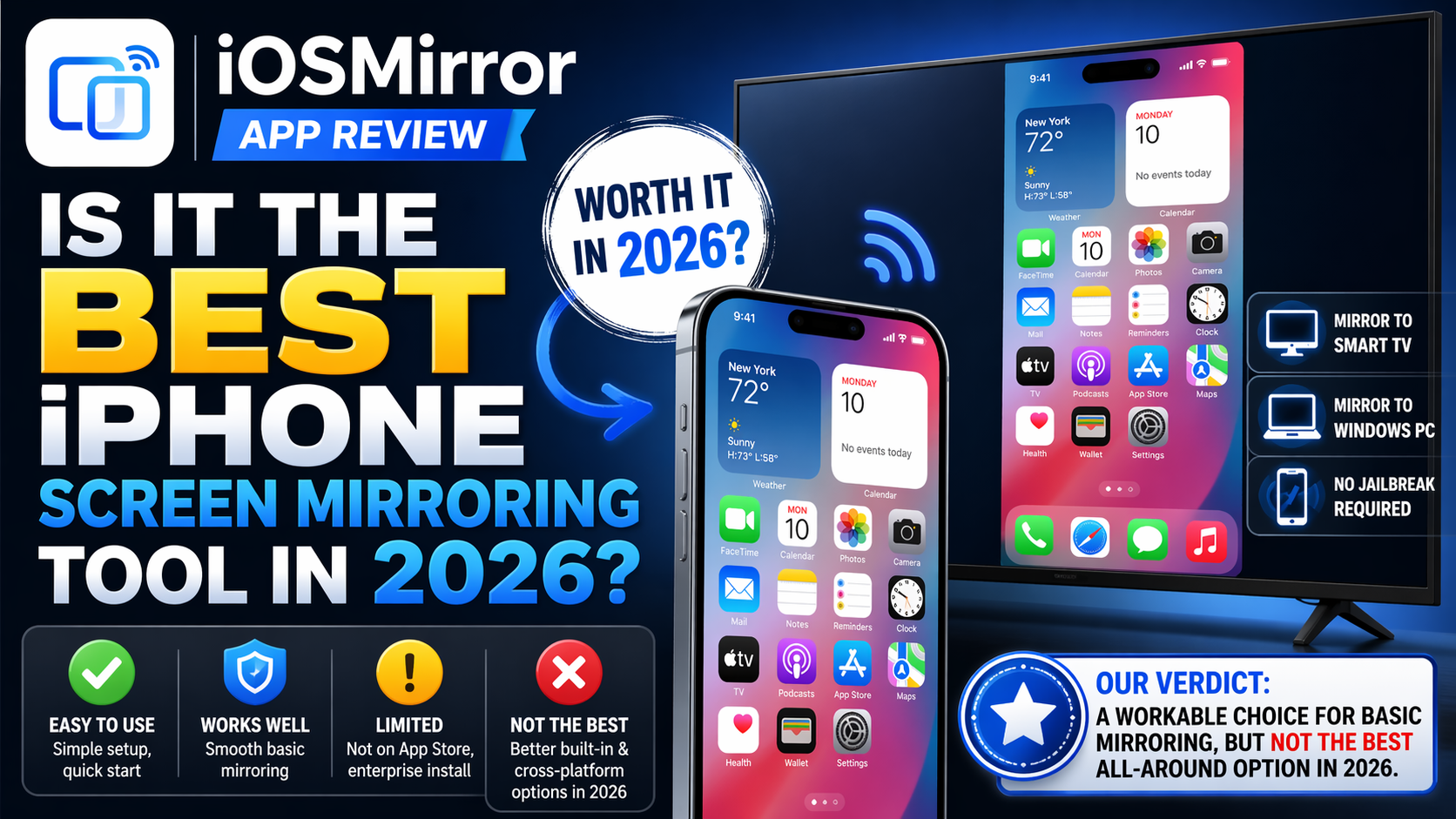

iOSMirror is a workable choice for basic iPhone mirroring, but it is not the best all around option for most users in 2026. For Mac users, Apple’s built in iPhone Mirroring is more secure and better documented, while several App Store tools offer broader cross platform support.
What iOSMirror is
The public pages for iOSMirror.cc describe it as a screen mirroring service for iPhone and iPad that can cast to a Smart TV, Windows PC, and other supported devices without jailbreak. The same pages also say it can be used through a browser based portal or through an installed app flow.
That matters because iOSMirror is not presented like a standard App Store mirroring app. The setup pages describe browser access, a download page, and an enterprise profile install path on iPhone, which is a different distribution model from a normal App Store listing.
How iOSMirror works
According to its Windows guide, iOSMirror works without cables and without jailbreak. The site says it can mirror a full iPhone or iPad screen to a Windows PC, with audio support, and that Windows 10 or later is required. It also recommends a 5 GHz Wi Fi connection.
The iPhone setup page says users can install the service on iPhone or iPad by downloading it and then trusting an enterprise profile in iOS settings. Apple says enterprise apps must be trusted before they can be opened, and Apple’s enterprise distribution program is meant for internal use cases rather than public App Store style distribution.
Key features that matter
The strongest selling point on the iOSMirror pages is device flexibility. The service claims support for mirroring to Windows PCs, Smart TVs, and other devices, and it also says users can access features through a portal in the browser. That makes it more flexible than Apple’s built in option for people who do not use a Mac.
Another practical point is that iOSMirror says it mirrors the full iOS screen with audio. That is important for presentations, app demos, and general screen sharing because audio support is often the detail that separates a simple display cast from a more useful mirroring tool.
Device support and setup
The iOSMirror pages focus heavily on Windows and browser based access. The Windows guide says the tool works directly with a Windows PC, while the main site says users can use the portal online without installation. The iPhone page also says no jailbreak is needed, which lowers the barrier for first time users.
Even so, the setup is not as simple as a mainstream App Store download. Apple’s standard review and distribution model is built around App Store review, and Apple describes App Review as part of a system designed to provide a safe and trusted experience. That does not automatically make iOSMirror unsafe, but it does mean the installation path is less familiar for ordinary users.
Security and trust
This is the section where iOSMirror loses the most ground. Apple says iPhone Mirroring keeps the iPhone locked while the Mac interacts with it, and it also lists clear system requirements, pairing rules, and privacy details. Apple says the feature pauses after inactivity and shows on the iPhone when it is being used from a Mac.
Apple also says iPhone Mirroring needs macOS Sequoia 15 or later on a Mac with Apple silicon or the T2 Security Chip, iOS 18 or later on the iPhone, the same Apple Account with two factor authentication, and Bluetooth plus Wi Fi turned on. Those rules make the feature narrow, but they also make it predictable and tightly controlled.
By contrast, iOSMirror relies on an enterprise profile flow on iPhone according to its own download page. Apple’s enterprise app guidance shows that this type of distribution is meant for special internal use cases and requires trust before use. That is a real trust factor for everyday consumers who mainly want a simple mirroring tool.
How iOSMirror compares with Apple iPhone Mirroring
For Mac users, Apple’s built in iPhone Mirroring is stronger in almost every trust related area. It is native, documented by Apple, tied to Apple Account security, and designed for direct interaction with the iPhone from the Mac. Apple also includes notification handling, copy and paste options, and file movement features inside the experience.
Apple’s feature also has clear limits. It only works on one Mac and one iPhone at a time, and Apple says camera and microphone access are not available in iPhone Mirroring. Apple also notes that streaming content providers may block or limit playback of premium video content. Even with those limits, the feature is still the cleanest option for supported Mac users.
That is why iOSMirror is not the best all around tool for every iPhone owner. It may be more useful for Windows users and browser based access, but Apple’s own solution is more secure, more polished, and easier to trust when a Mac is available.
How iOSMirror compares with other third party tools
If the goal is cross platform mirroring, the App Store has tools with clearer product pages and broader feature sets. AirDroid Cast says it supports USB, AirPlay, local and remote wireless mirroring, a web version, up to five screens at once, and remote control support.
ApowerMirror also shows a mature feature set. Apple’s App Store page says it can cast a phone to a computer or Smart TV with audio, mirror and control iPhone and iPad from a computer, and stream multiple devices at once. That makes it a stronger all purpose option than a narrow browser centric tool.
Another official App Store example is the Screen Mirroring App listing, which says it can mirror an iPhone or iPad to devices on local Wi Fi or remotely over the internet, and it can connect through common browsers such as Safari, Chrome, Firefox, Opera, and Edge. That level of documented compatibility is useful for readers who want a known app ecosystem.
Who iOSMirror fits best
iOSMirror fits users who want simple mirroring to a Windows PC, who prefer browser based access, or who want a no jailbreak setup path. The official pages push that use case clearly, and the Windows guide says the service works without cables and without Apple TV.
It also fits users who care more about quick access than deep system integration. The browser portal and enterprise profile route can be convenient for some people, especially if they are not using a Mac and do not want to buy extra hardware.
Who should skip it
Users who want the safest and most predictable experience should start with Apple’s built in iPhone Mirroring on Mac, since Apple documents the feature directly and ties it to Apple Account security. Users who need stronger cross platform control should look at established App Store tools such as AirDroid Cast or ApowerMirror.
Users who do not want to deal with enterprise profiles, trust prompts, or a web portal should also skip iOSMirror . Apple’s own support pages make it clear that enterprise apps are a special distribution category, not the normal path for consumer apps.
For users who prefer live streaming access across devices, platforms like Methatreams are often used alongside screen mirroring tools for quick online viewing without heavy app setups.
What matters most before using it
Check the device target first. iOSMirror own pages focus on Windows 10 or later, browser access, and iPhone installation through an enterprise profile. That means it is more useful for mixed device setups than for people who live entirely inside the Apple ecosystem.
Check the use case second. For presentations, app demos, and basic screen sharing, mirroring tools are usually fine. For premium streaming video, Apple warns that content providers may restrict playback, so results can vary no matter which tool you use.
Check trust third. Apple’s App Store review system is built around safety and trust, while iOSMirror distribution path depends on browser access and enterprise profile handling. That difference matters for long term reliability and for users who want the lowest risk setup.
You can also use tools like CroxyProxyYouTube to access and stream content through a browser-based proxy when direct playback or mirroring is restricted on some devices.


