


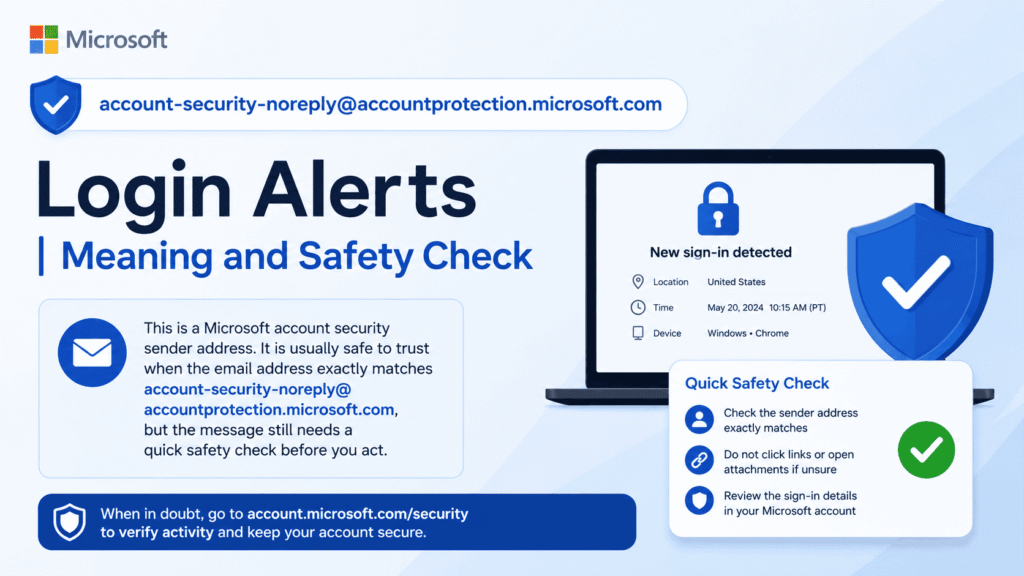
This is a Microsoft account security sender address. It is usually safe to trust when the email address exactly matches account-security-noreply@accountprotection.microsoft.com, but the message still needs a quick safety check before you act.
What this email address means
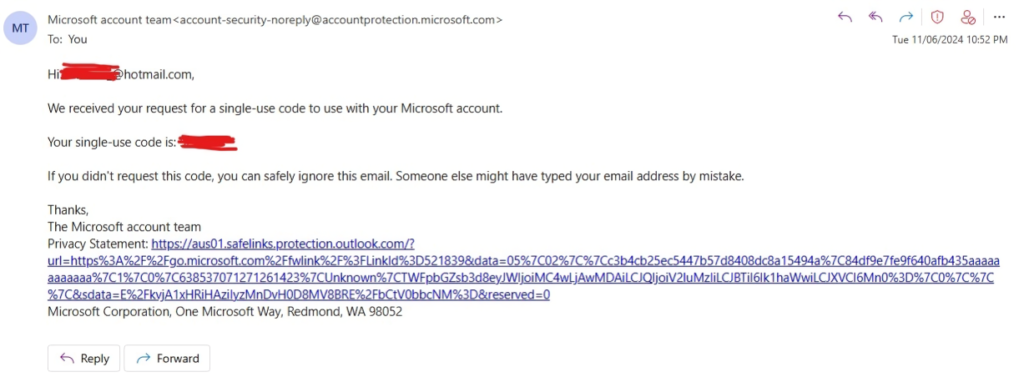
The address account-security-noreply@accountprotection.microsoft.com is used by Microsoft account team messages about account safety. Microsoft says this domain is used for security notifications, including two step verification codes and account update alerts such as password changes.
In simple terms, this email usually means Microsoft is trying to confirm that a sign in, password change, or security action is really yours. It may appear after a new device sign in, a new app sign in, travel, or another unusual access attempt. Microsoft says these alerts can go to email or text message when unusual sign in activity is detected.
Why Microsoft sends login alerts
Microsoft sends these alerts to stop someone else from entering your account. If a sign in looks unusual, Microsoft may ask for a security code from one of your contact methods. This helps Microsoft confirm that the action came from you and not from an attacker.
These messages can also appear when you sign in from a new location, a new device, or after installing a new app that uses your Microsoft account. Microsoft explains that a security code may be needed in those situations even when the activity is legitimate.
When the message is likely legitimate
Microsoft states that if the email address domain is @accountprotection.microsoft.com, the message is safe to trust and open. Microsoft also says you can check the message headers and confirm that the account mentioned in the email belongs to you and that you requested the code.
A legitimate alert usually matches one of these situations. The sign in happened on a new device, from a new place, after travel, or after an app request. The message should refer to your own Microsoft account, not someone else’s. Microsoft also notes that if you received a verification code you did not request, that can mean someone is trying to access your account or entered the wrong phone number or email address while signing in.
When you should be careful
Be careful if the sender address is even slightly different from account-security-noreply@accountprotection.microsoft.com. Also be cautious if the message pushes you to act fast, threatens account loss, or asks for personal data. Microsoft says urgent demands are a common phishing trick.
Microsoft is clear about one important point. It will never ask for your password in an email. If a message says to reply with a password or any personal information, treat it as unsafe, even if it looks like it came from Microsoft.
Safety check for account-security-noreply@accountprotection.microsoft.com
| Check item | What to look for | What it means |
|---|---|---|
| Sender address | Exact domain accountprotection.microsoft.com | Matches Microsoft’s trusted account team sender. |
| Account named in the email | Your own Microsoft account | Confirms the alert is about your account. |
| Code request | You recently tried to sign in or verify something | Makes the alert expected. |
| Message tone | Calm and informational | More consistent with a real alert. |
| Request inside the email | Code entry or review activity only | Safer than requests for passwords or personal details. |
How to verify the message safely
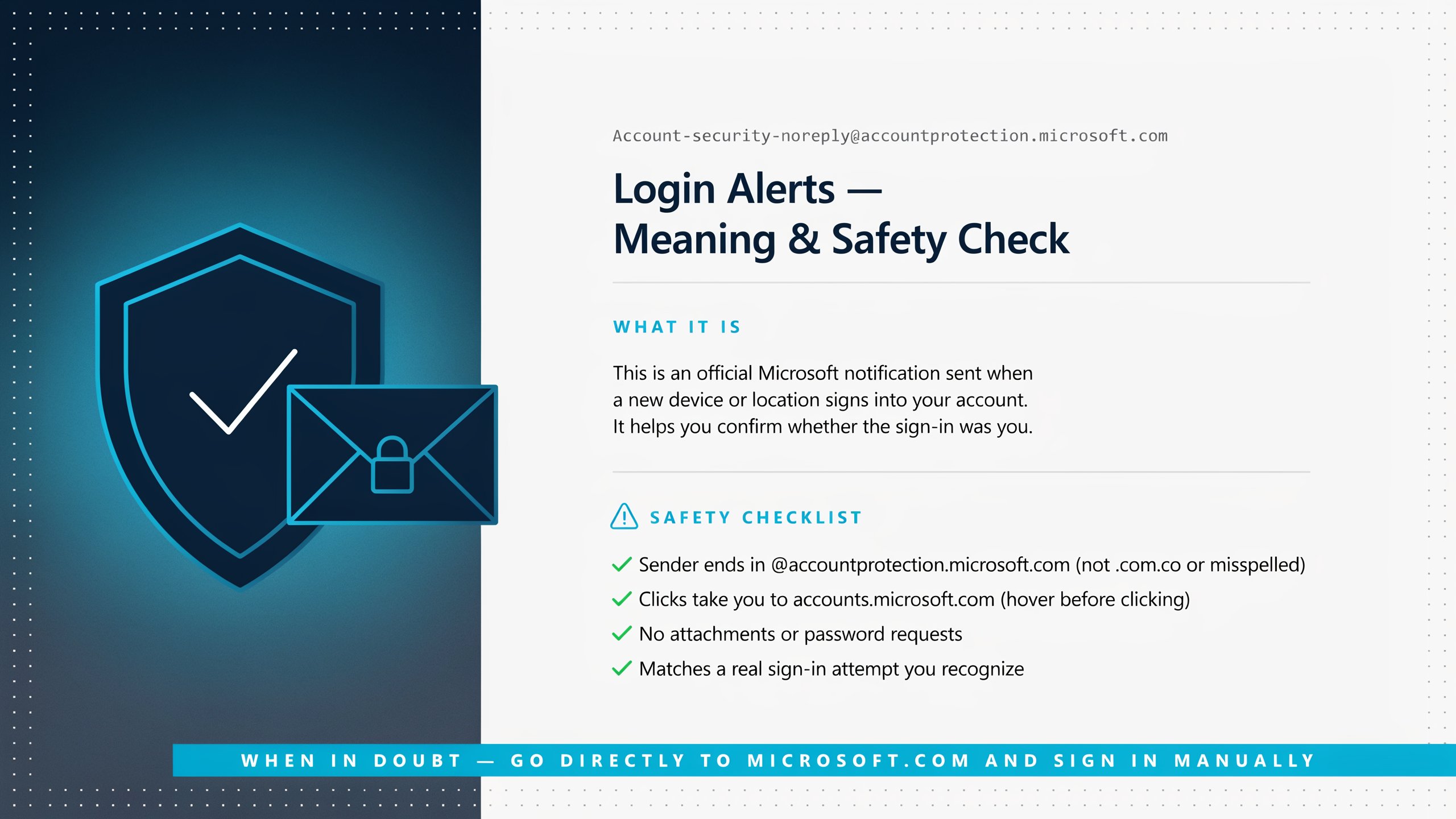
First, check the sender address carefully. Microsoft advises looking for the exact @accountprotection.microsoft.com domain and, when needed, checking the message headers to confirm the email really came from Microsoft.
Second, compare the alert with your own recent activity. Ask whether you just signed in on a new phone, new browser, work computer, or while traveling. If yes, the alert is more likely to be normal. If no, treat it as a warning sign and review your account immediately.
Third, do not use links inside a suspicious message to sign in. Instead, open Microsoft’s account security page from a trusted browser path and review activity there. Microsoft recommends checking the Recent activity page and using the Security basics page to review unusual sign in attempts.
What to do if you did request the alert
If the code or alert matches something you just did, enter the code only on the official Microsoft sign in screen. Microsoft says these codes are used to confirm your identity and complete account security steps.
After that, review your security setup. Microsoft recommends adding another way to sign in or verify your identity so account recovery is easier later. It also recommends keeping your security info current so phone numbers and email addresses still work when you need them.
What to do if you did not request the alert
If you did not ask for a code or did not try to sign in, treat the message as a possible sign that someone else may be trying to access your account. Microsoft says you should check the Recent activity page, look for unusual attempts, and mark suspicious items as not yours.
Then change your password right away if you think the account may have been exposed. Microsoft advises creating a strong password and not sharing it with anyone. It also recommends keeping your device updated and using stronger sign in methods where possible.
Common signs of phishing in fake Microsoft alerts
Phishing messages often create pressure. Microsoft says to watch for urgent language, threats, or claims that you must click immediately. These tactics are meant to make people act before they think.
A fake alert may also ask for the password, recovery details, payment information, or a code that should never be shared outside the official sign in flow. Microsoft says not to reply to email asking for your password, even if the email claims to be from Microsoft or Outlook.com.
For Gmail bounce or delivery error emails, also read about mailer-daemon@googlemail.com and how to identify automatic system messages safely.
Microsoft security steps that reduce risk
Microsoft recommends using the Microsoft Authenticator app because it adds another layer of security and can let you sign in without a password. Microsoft also says passwordless sign in can be more secure than traditional passwords that can be stolen, hacked, or guessed.
Microsoft also recommends adding another sign in method, keeping verification details up to date, avoiding public computers for sign in, and keeping devices updated. These steps help protect the account and make recovery easier if something goes wrong.
You can also explore @ oneworldcolumnorg for additional articles on online safety, digital identity protection, and email security awareness.
Practical reading of the alert type
| Alert type | Common meaning | Best action |
|---|---|---|
| Security code email | Microsoft wants to verify you | Enter the code only if you requested it. |
| Unusual sign in alert | A sign in looked different from normal | Review recent activity and secure the account if needed. |
| Password change notice | An account setting changed | Confirm you made the change or reset the password if not. |
| Unknown request for code | Possible unauthorized attempt | Ignore the request, review activity, and secure the account. |
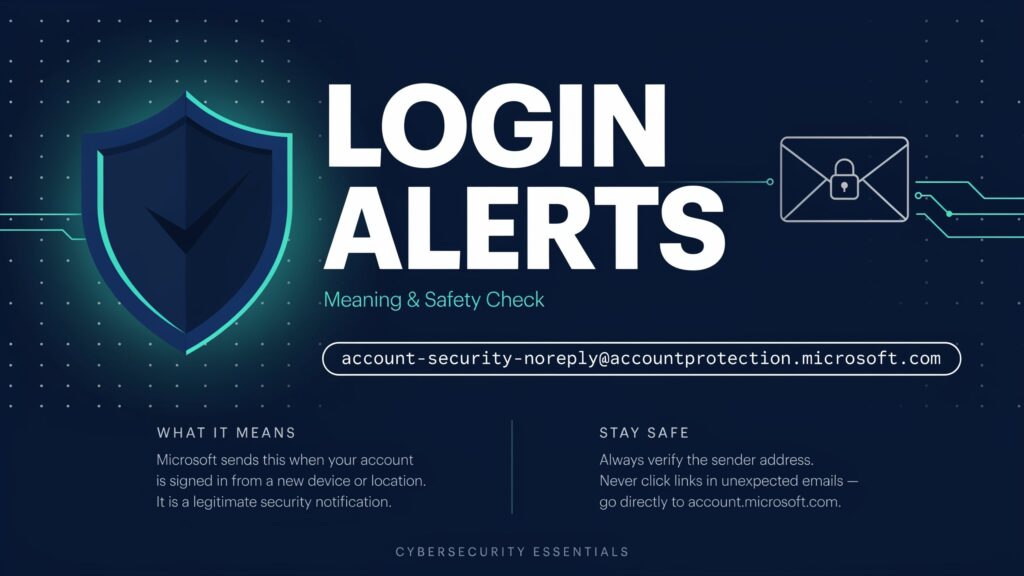
Steps to take right after a suspicious alert
Review the sender address first and confirm it is the exact Microsoft account team domain. Then open your account activity from Microsoft’s own security pages and look for sign ins you do not recognize. If the activity is unfamiliar, secure the account and change the password.
After that, check whether your security info is still current. Microsoft says old phone numbers and email addresses can cause problems when trying to recover access. It also recommends adding another sign in method, such as Microsoft Authenticator, so recovery is easier later.
Why this address matters for account safety
The sender account-security-noreply@accountprotection.microsoft.com matters because it is one of the clearest ways Microsoft signals a real account security message. Still, the address alone is not enough. You should always compare the email with your own activity, check the headers when needed, and ignore any request for passwords or private details.
Using that simple habit helps separate normal login alerts from phishing attempts. It also gives you a cleaner way to respond quickly when Microsoft is asking for a security code because of a real sign in event.


