

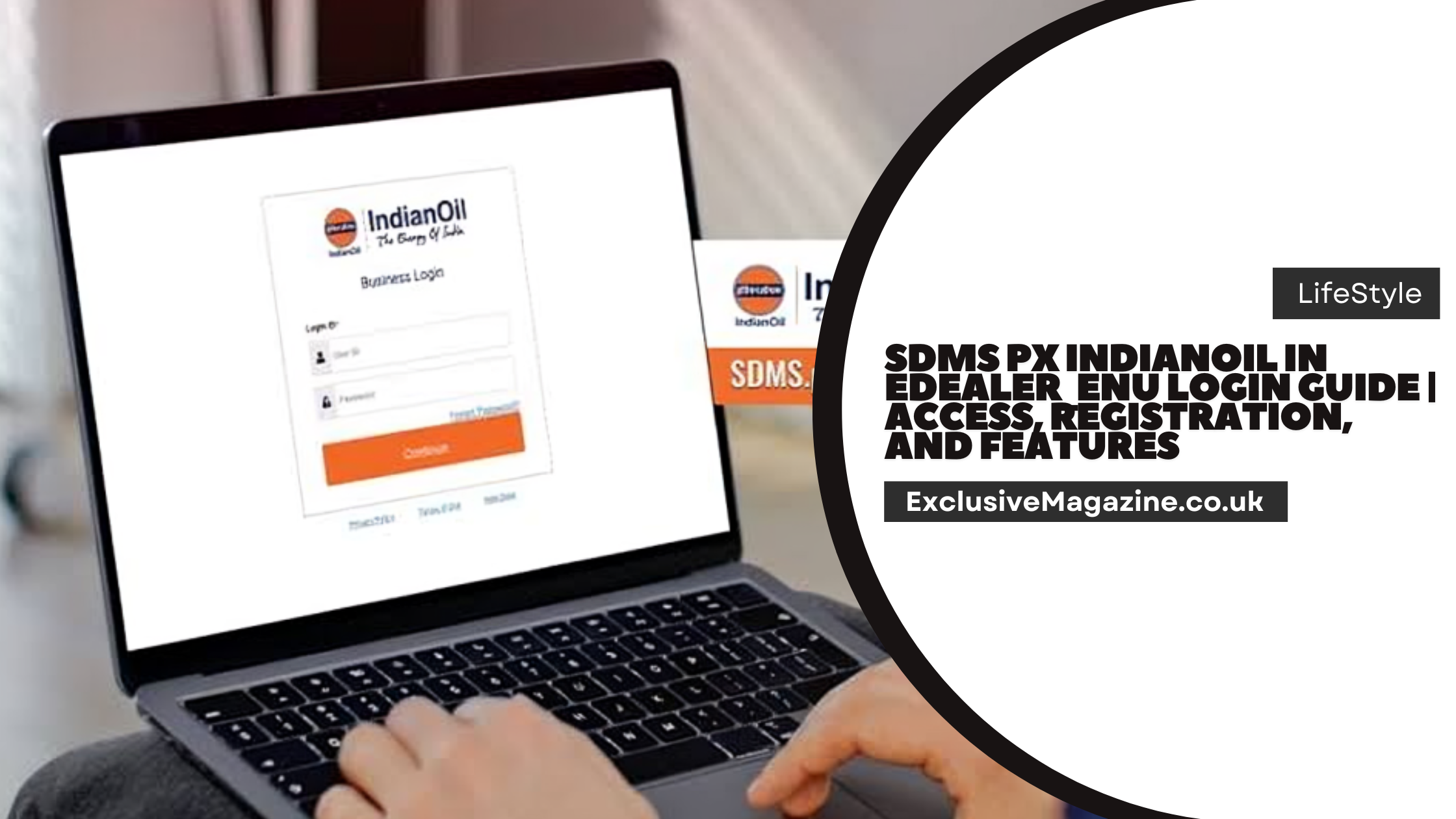

SDMS PX IndianOil IN EDealer_ENU is the IndianOil channel partner portal used by onboarded employees, dealers, distributors, and business partners.
The official login page shows Login, Captcha, and Forgot Password OTP options, which makes it a controlled business portal rather than a public consumer site.
What SDMS PX IndianOil IN EDealer_ENU Is
IndianOil describes ePIC as a digital platform for customer relationships and distributor and dealer management. The company says the platform is built to create a 360 degree view of customers, standardize marketing across product lines, and improve service request handling across mobile phones, tablets, and desktop devices. IndianOil also says SDMS CRM connects dealers, customers, and the organization on one integrated system.
The portal is part of IndianOil’s wider business partner structure. IndianOil’s official business partner pages cover RO and KSK dealerships, LPG distributorships, COCO divestment and service provider work, polymer dealers, and other partner services. That shows the portal sits inside a larger digital setup for business operations, not just one narrow task.
Read It’s Also: KLR Login Service 137 | Step-by-Step Login Process and User Support Guide
Official Access Page and Login Format
The official channel partner portal is hosted on IndianOil’s Marketing Division system. The page title clearly shows “Channel Partner’s Portal” and includes Login, Captcha, and Forgot Password OTP options. That layout is important because it confirms the portal is designed for verified users who already have access credentials.
IndianOil also shows separate login paths inside the ePIC portal for Employee Login and Partner Login. The same portal page lists related application links such as SDMS Login for IOC Employee, Analytics Portal, Training Material, and Knowledge Management. This structure makes it clear that the system is built around role based access.
Login details at a glance
| Item | What it means | Official note |
|---|---|---|
| Portal type | Business portal for channel partners | IndianOil labels it as the Channel Partner’s Portal. |
| Sign in fields | User ID, Password, Captcha | These elements appear on the login page. |
| Password recovery | Forgot Password via OTP | The page shows a Forgot Password OTP option. |
| Partner access | Onboarded business users | The ePIC page shows Partner Login. |
| Mobile support | IndianOil for Business app | The app supports onboarded distributorship users on ePIC. |

Registration and Account Setup
IndianOil does not present a public consumer style sign up flow on these official pages. Instead, the official ePIC portal separates Employee Login and Partner Login, and the IndianOil for Business app says it is for an employee or owner or partner of a distributorship that has already been onboarded on the new ePIC platform. The practical meaning is simple. Access is tied to IndianOil onboarding and issued credentials, not open self registration for the general public.
For that reason, registration for this portal should be treated as a business onboarding process. A new dealer, distributor, or authorized partner normally needs credentials created through IndianOil’s internal process or through the relevant business onboarding route. That is an inference from the official role based login pages and app description, but it matches the way IndianOil has structured access.
If an account has already been issued, the user can move directly to the login page and sign in with the assigned User ID and Password. If the password is not available, the portal provides a Forgot Password OTP flow on the same login page.
How to Log In to SDMS PX IndianOil IN EDealer_ENU
- Open the official IndianOil channel partner portal. The login page is the one that shows Channel Partner’s Portal, Login, Captcha, and Forgot Password OTP.
- Enter the User ID and Password given to the business user during onboarding or account creation. The ePIC portal’s role based structure shows that this access is intended for employees and partners, not general visitors.
- Complete the Captcha exactly as shown on the page. IndianOil includes Captcha on the official login screen as a security check.
- Select Login to continue into the portal. The login page layout confirms the standard sign in flow around the credential fields and captcha.
- Use Forgot Password OTP if the password is lost or expired. The official page shows an OTP based recovery option, so users should follow that route instead of guessing passwords or using unofficial help pages.
Main Features of SDMS PX IndianOil IN EDealer_ENU
IndianOil’s ePIC description shows that the platform is designed to manage the full customer and partner relationship cycle. It supports a 360 degree customer view, unified customer data, better marketing standardization, and a scalable secondary distribution setup. It also handles service requests through multiple touch points, including portal, mobile app, SMS, and toll free numbers.
The portal is also built to connect different business groups in one place. IndianOil lists live SDMS groups for partners, distributors, LPG, dealers, retail, Servo stockists, IB, aviation, and NFR. That is a strong sign that the system supports multiple business lines rather than a single fuel workflow.
The IndianOil for Business app adds practical daily tools for onboarded distributorship users. The official app listing says partners can see business metrics, place indent orders with live status, check PAD balances, and view order history and sales analytics. It also gives delivery staff digital cash memos, delivery confirmation, customer calling and navigation, payment collection, and offline mode support. The mechanic role can download service tasks, receive priority leakage alerts, and close complaints through the app.
| Feature area | What it helps with | Official source |
|---|---|---|
| Partner dashboard | Business snapshot and key metrics | IndianOil for Business app. |
| Order handling | Indent orders with live status | IndianOil for Business app. |
| Inventory related view | PAD balance checking | IndianOil for Business app. |
| Sales tracking | Order history and sales analytics | IndianOil for Business app. |
| Delivery operations | Digital cash memos and delivery confirmation | IndianOil for Business app. |
| Service work | Service tasks and leakage complaint handling | IndianOil for Business app. |
| Multi channel service | Portal, mobile app, SMS, toll free support | ePIC portal description. |
Access Rules and Security Notes
The official IndianOil website warns that links to external websites and portals are provided for convenience and that IndianOil does not control the content or reliability of those outside pages. It also says that users leave IndianOil’s site when they open such links and then follow the privacy and security policies of the outside site. That is why it is safer to use only the official IndianOil portal pages for login and support.
The portal’s use of Captcha and OTP based password recovery also shows that access is meant to be verified and protected. For business users, the best practice is to keep the assigned User ID and password private, use the official login page, and rely on the OTP reset flow when access needs to be restored. The official pages already provide the right access path, so there is no need to depend on copied links or unofficial instructions.
The app side of the system also shows IndianOil’s focus on controlled access. The official app listing says it is for employees or owner partners of distributorships onboarded on the new ePIC platform. That means portal access is linked to business authorization, which is important for data safety and accurate operations.
Where the Portal Fits in IndianOil Operations
IndianOil’s business pages show that its partner ecosystem includes RO and KSK dealerships, LPG distributorships, COCO service provider work, and polymer dealers. The SDMS PX IndianOil IN EDealer_ENU portal fits into that ecosystem as a working portal for managing business tasks, partner access, and daily operational activity. In other words, it is part of the company’s wider digital operations model, not a separate consumer service.
The same design approach appears across IndianOil’s digital setup. The ePIC page shows role based access, analytics, training, and knowledge management links, while the app supports business work on mobile devices. That combination makes the platform useful for users who need routine access to orders, service data, partner activity, and operational records in one place.
Read It’s Also: Apple Sign appleMiller9to5mac | Complete Guide to Login and Access in 2026


