

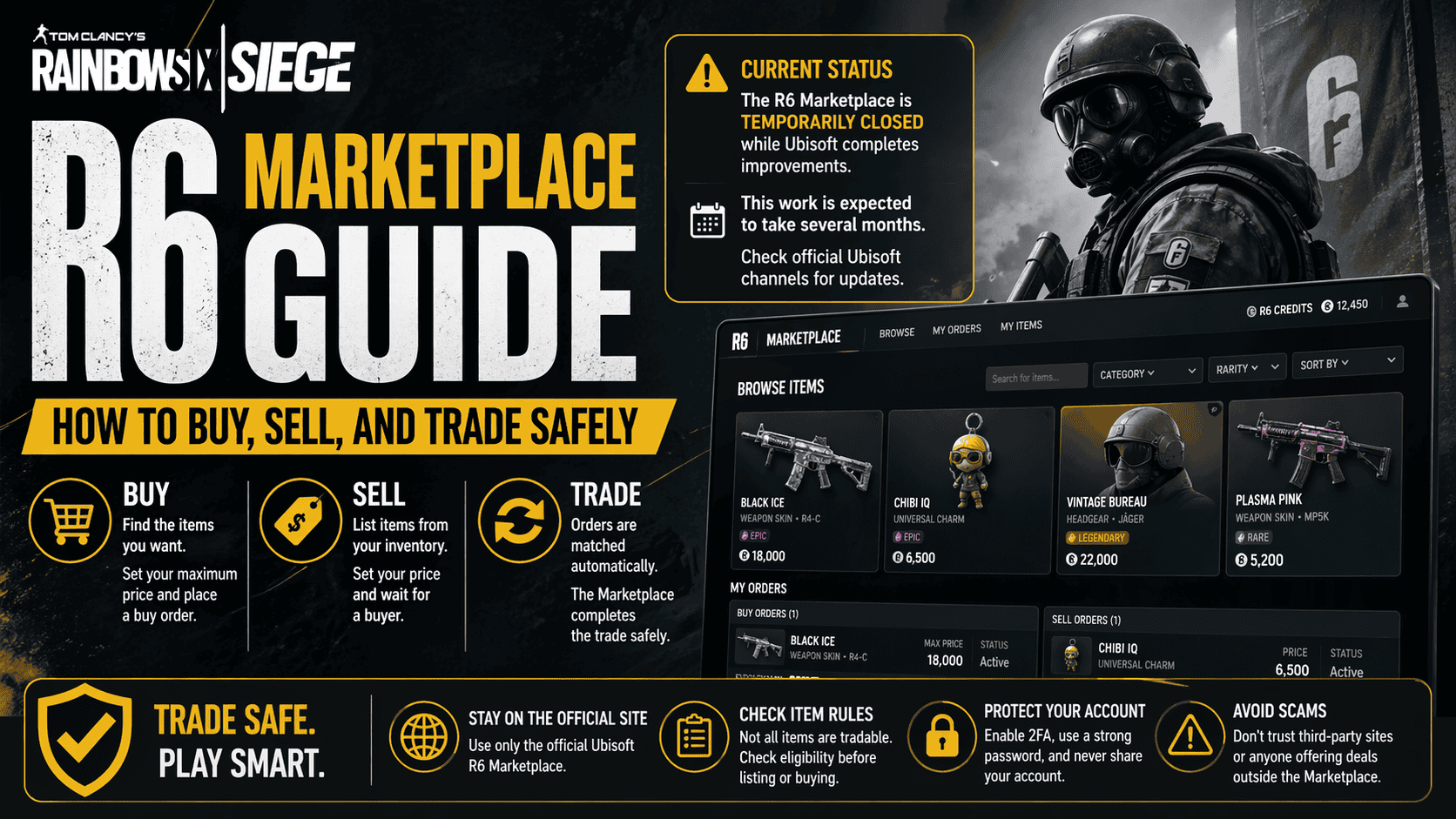

The R6 Marketplace is Ubisoft’s official trading platform for Rainbow Six Siege items. Safe use means staying on the official site, checking item rules, and protecting your account at every step.
Current R6 Marketplace Status
Ubisoft says the Marketplace is temporarily closed while it completes improvements. The company has also said this work is expected to take several months, so players should rely on official updates before trying to use it again. This guide explains how the system works when it is available, so you can trade safely as soon as access returns.
What the R6 Marketplace Is
The R6 Marketplace is a web platform tied to Rainbow Six Siege. It lets eligible players exchange in game items for R6 Credits, browse items that can be traded, and manage active buy and sell orders through the Marketplace site. Ubisoft describes it as the official place to get unwanted items out of your inventory or search for older cosmetic items that are no longer easy to find in normal gameplay.
The system is built around orders rather than direct player to player swapping. When you buy, you set the highest price you are willing to pay and wait for a match. When you sell, you set your asking price and wait for a buyer. The Marketplace completes the trade once it finds a match.
If you want a deeper understanding of how the system works, check our detailed guide on Siege Marketplace to learn about features, rules, and item availability
Who Can Use the R6 Marketplace
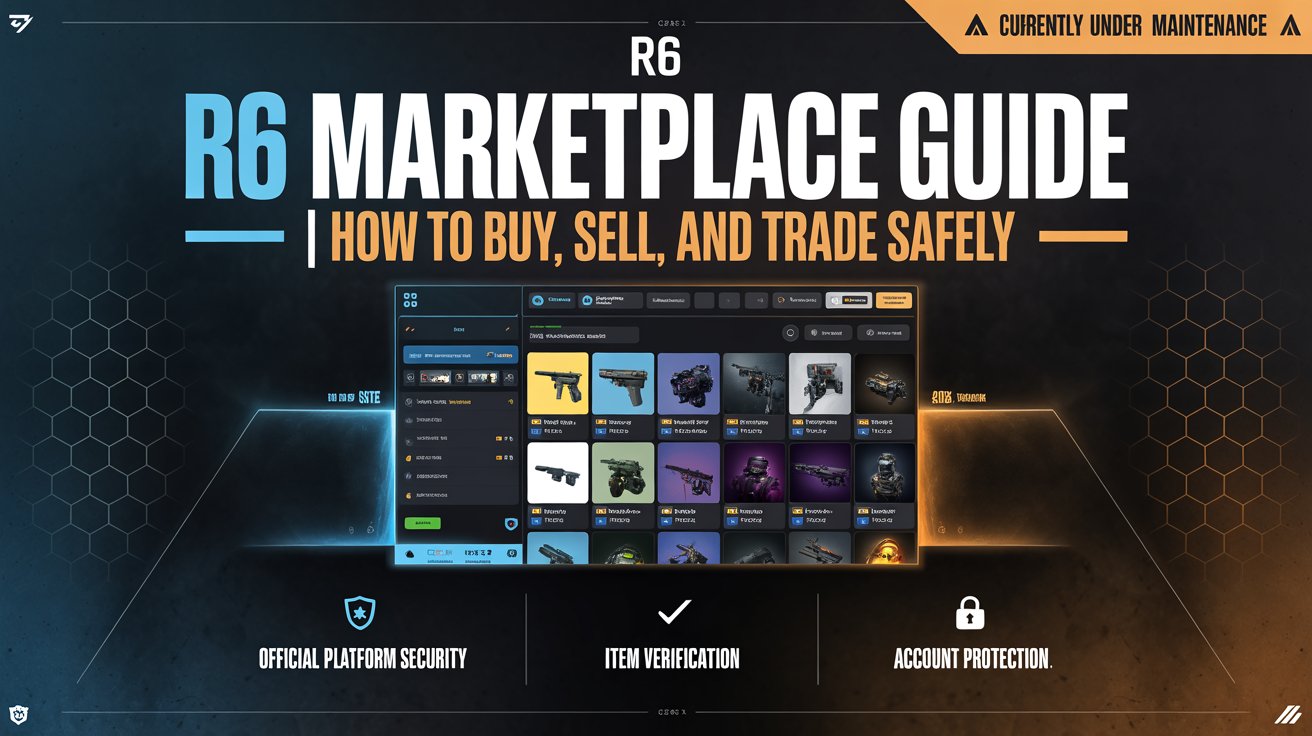
Ubisoft limits access to eligible accounts. To use the Marketplace, an account must be at least Level 25 in Rainbow Six Siege, must have recently earned XP, must have 2 Step Verification enabled, and must have no sanctions on the Ubisoft account. These rules are meant to reduce fraud and keep trading tied to active, verified players.
That access policy matters because it helps prevent low quality and risky trading behavior. It also means a new or inactive account may not qualify right away. For safe use, always check your own account status on Ubisoft’s official help pages before assuming the Marketplace is open to you.
How Buying Works
Buying on the R6 Marketplace starts with the Buy tab on the official Marketplace website. Ubisoft says you can search for items, choose one, and create a purchase order by setting the highest price you want to pay. The Marketplace then looks for the lowest matching sale price and completes the transaction when a seller matches your order.
Only currently tradable items appear for purchase. Ubisoft notes that items from the current season are not tradable until the next season comes out. That rule helps explain why some items may not appear right away even if they exist in the game.
There are also order limits. Ubisoft says you can have up to five purchase orders active at one time, and each purchase order expires after 30 days. If no match is found, the order stays in your history, which makes it easier to repost later.
How Selling Works
Selling is similar, but you work from the Sell tab. Ubisoft says your tradable inventory items appear in the Marketplace sell section, and items that do not appear there cannot be traded at that time. To list an item, you choose it, enter your asking price, and create the order. Once the Marketplace finds a buyer, the sale completes.
Ubisoft keeps a 10 percent transaction fee from each sale. That fee is important when you set your asking price, because the amount you receive will be lower than the full sale price shown on the order. Safe selling means checking the fee first so you do not overestimate your final payout.
Sale orders also have clear limits. Ubisoft says you can have up to five sale orders active at once, and each sale order expires after 30 days. Only active orders can be updated or cancelled, so it is smart to review pricing before you confirm a listing.
For comparison with other online selling platforms, you can explore how a Meesho Seller account works, including product listing, pricing, and order handling.
Key Rules at a Glance
| Rule | Official detail |
|---|---|
| Access | Level 25, recent XP, 2 Step Verification, and no sanctions are required. |
| Buying | Up to five purchase orders can be active at once. Orders expire after 30 days. You set a maximum price, and the system matches the lowest sale. |
| Selling | Up to five sale orders can be active at once. Orders expire after 30 days. You set your asking price, and Ubisoft keeps a 10 percent fee. |
| Tradable items | Only currently tradable items can appear. Current season items may wait until the next season. |
| Safety | Buying, selling, sharing, or trading accounts is not allowed under Ubisoft rules. |
How to Trade Safely
Safe trading starts with account security. Ubisoft tells players not to share personal or account information and says Ubisoft representatives will never ask for your password. The company also warns that buying, selling, sharing, or trading accounts is not allowed, because it fuels fraud and account theft.
The safest approach is simple. Use only the official Ubisoft Marketplace site, log in with your own Ubisoft account, and never follow links from unofficial sellers or social posts that promise cheaper items. If a deal depends on account sharing, outside payment, or a third party holding your login details, it is not safe. Ubisoft’s player safety pages also warn users to avoid unauthorized resellers and to protect credentials carefully.
It is also smart to keep 2 Step Verification active. Ubisoft explains that 2 Step Verification adds a code check when you log in from an untrusted device, which makes account access harder for attackers. Since Marketplace access depends on account trust, this extra layer is worth keeping on at all times.
Safe Buying Steps
When the Marketplace reopens, the safest buying routine is the one Ubisoft already built into the system. First, open the Buy tab. Then search for the item, check whether it is currently tradable, and create a purchase order with a price you can afford. After that, wait for a match instead of rushing into outside offers.
Before confirming any order, review the item name carefully. Make sure it is the exact cosmetic or collection piece you want, because item names can be similar. Also check whether the order will stay active for 30 days and whether you still have room under the five order limit. This helps prevent mistakes and keeps your account organized.
Safe Selling Steps
When selling, start with items that actually appear in your tradable inventory list. If an item does not show up, Ubisoft says it cannot be traded at that moment. Choose the item, set a fair asking price, and remember that Ubisoft will take a 10 percent fee from the final sale amount.
After you list the item, check My Transactions often. Ubisoft says this area shows your active purchase and sale orders and your full order history. It also lets you update active orders or cancel unfulfilled ones before a match is found. That makes it useful for avoiding stale listings and fixing pricing mistakes quickly.
Common Mistakes To Avoid
The biggest mistake is using unofficial trading services. Ubisoft’s rules are clear that account buying, selling, sharing, or trading is not allowed. Any service that asks for your password, promises faster access, or offers off platform trades puts your account at risk.
A second mistake is ignoring order expiry. Buy and sell orders only last 30 days, so a forgotten listing can sit in history without ever completing. A third mistake is forgetting the fee on sales, which can make your final earnings lower than expected. A fourth mistake is assuming every item is tradable right away, even though current season items may not become tradable until later.
Why The Official Marketplace Is Safer Than Third Party Trading
Ubisoft’s official Marketplace is safer because it keeps transactions inside the game’s own system, applies account eligibility rules, and uses order based matching instead of direct account sharing. Ubisoft also says the platform is designed for eligible players and uses R6 Credits for transactions. That reduces the chance of scams that often happen in external marketplaces and private deal channels.
The Marketplace is still only as safe as the account behind it. If your Ubisoft account is weak, unverified, or shared, the system cannot fully protect you. That is why the safest habit is to keep your account private, verified, and free from any rule breaking activity.


