
Bappan TV lets you stream live TV channels and movies by opening links inside a simple app or website. You use it by installing the app or visiting a source, choosing a channel, and starting playback instantly.
What Is Bappan TV
Bappan TV is a third party streaming platform that gives access to live TV, movies, and regional content. It works as an IPTV style service where content streams over the internet instead of cable.
It does not host most content itself. It collects streaming links from different sources and shows them in one place.
Users often use it for:
- Live sports
- News channels
- Regional TV
- Movies and entertainment
How Bappan TV Works
Bappan TV connects users to external streaming links. When you select a channel, the app loads a stream from another source.
The system works in a simple way:
| Step | What Happens |
|---|---|
| Select channel | You choose a category or channel |
| Load stream | App fetches a streaming link |
| Play video | Video starts in built-in or external player |
| Switch link | You can change links if one fails |
Streaming quality depends on internet speed and server load.
Devices That Support Bappan TV
Bappan TV mainly works on Android devices.
| Device Type | Support Level |
|---|---|
| Android phone | Fully supported |
| Android TV | Supported |
| Fire TV | Supported with manual install |
| PC | Works with emulator |
| iPhone | Usually not supported |
Most users install it using an APK file instead of an app store.
How to Install Bappan TV on Android
Follow these simple steps to install the app:
Step 1: Enable Unknown Sources
Go to settings
Open security settings
Enable unknown sources
This allows installation of apps outside the Play Store.
Step 2: Download APK File
Download the latest Bappan TV APK from a trusted website.
Step 3: Install the App
Open the downloaded file
Tap install
Wait for completion
Step 4: Open the App
Launch the app and allow required permissions
Installation is manual and may vary depending on device version.
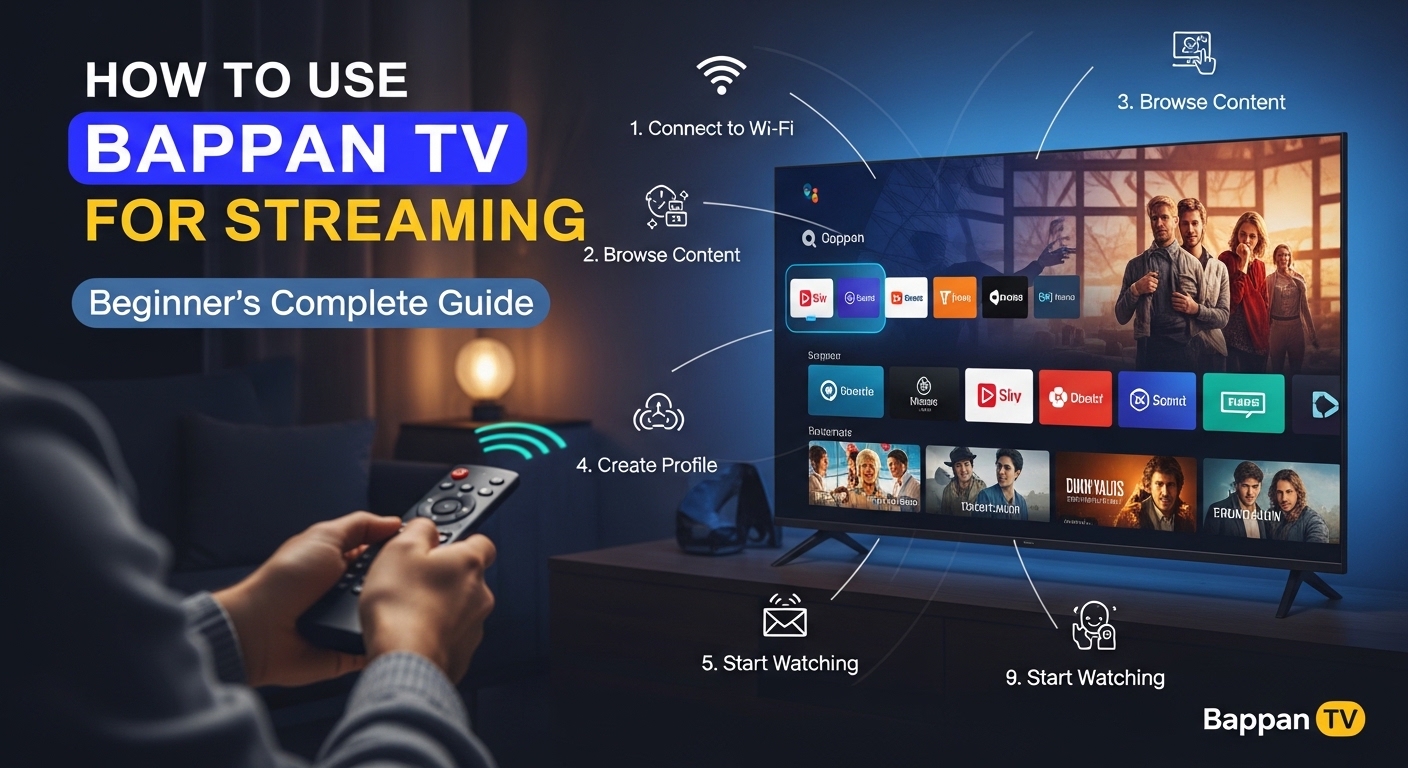
How to Use Bappan TV for Streaming
Using Bappan TV is simple and direct.
Open the App
Tap the app icon after installation.
Browse Categories
You will see sections like:
- Sports
- Movies
- News
- Regional channels
Select a Channel
Tap any channel to start streaming.
Choose a Stream Link
Some channels offer multiple links. Select one if the first does not work.
Start Watching
The video will start in a built in player or external player.
Main Features of Bappan TV
Bappan TV focuses on basic streaming features.
| Feature | Description |
|---|---|
| Free access | No subscription needed |
| Live TV | Sports and news channels |
| Simple interface | Easy navigation |
| Multiple links | Backup streams available |
| External player support | Better playback option |
The app is designed for quick access rather than advanced features.
For users who prefer a simple video streaming platform with easy navigation, Tabootube is another option worth checking.
Types of Content Available
Content depends on availability and version.
| Content Type | Examples |
|---|---|
| Live sports | Cricket, football |
| Movies | Regional and older films |
| TV channels | Entertainment channels |
| News | Local and international |
| Regional content | Language specific shows |
Content may change or disappear anytime.
If you want more live sports streaming options, you can also explore Methatreams for a wider range of channels and events.
Internet Requirements
A stable internet connection is important.
| Quality | Speed Needed |
|---|---|
| SD | 2 to 4 Mbps |
| HD | 5 to 10 Mbps |
| Full HD | 10+ Mbps |
Streaming uses high data. One hour can use 500 MB or more.
WiFi is better than mobile data for smooth playback.
Common Streaming Issues and Fixes
Users may face some issues during streaming.
Buffering
Cause: Slow internet
Fix: Use faster WiFi or lower quality
Channel Not Working
Cause: Broken link
Fix: Switch to another stream link
App Crashing
Cause: Old version
Fix: Install latest APK
No Sound or Video
Cause: Player issue
Fix: Use external player
These problems are common because the app depends on external sources.
Safety and Security Guidelines
Bappan TV is not available on official app stores. It does not go through standard security checks.
Follow these safety steps:
- Download APK from trusted sources only
- Check app permissions carefully
- Avoid giving unnecessary access
- Use antivirus or security app
- Keep device updated
Some versions may contain ads or tracking elements.
Legal Considerations
Bappan TV may provide access to content without proper licenses.
Important points:
- Content rights are not always clear
- Laws vary by country
- Streaming unlicensed content may be restricted
Users should understand local laws before using such platforms.
Tips for Better Streaming Experience
Use these practical tips:
- Use stable WiFi connection
- Choose lower quality on slow networks
- Keep app updated
- Use external video player for better control
- Avoid peak hours for smoother playback
Bappan TV vs Legal Streaming Platforms
| Feature | Bappan TV | Legal Platforms |
|---|---|---|
| Cost | Free | Paid subscription |
| Content rights | Unclear | Licensed |
| Stability | Unstable | Stable |
| Support | No official support | Customer support |
| Security | Risky | Secure |
Legal platforms offer better reliability and safety.
When to Use Bappan TV
Bappan TV is used mainly when users want free access to live TV and regional content without subscription.
It suits users who:
- Use Android devices
- Understand basic installation steps
- Accept possible risks
It does not suit users who need stable, legal, and secure streaming services.